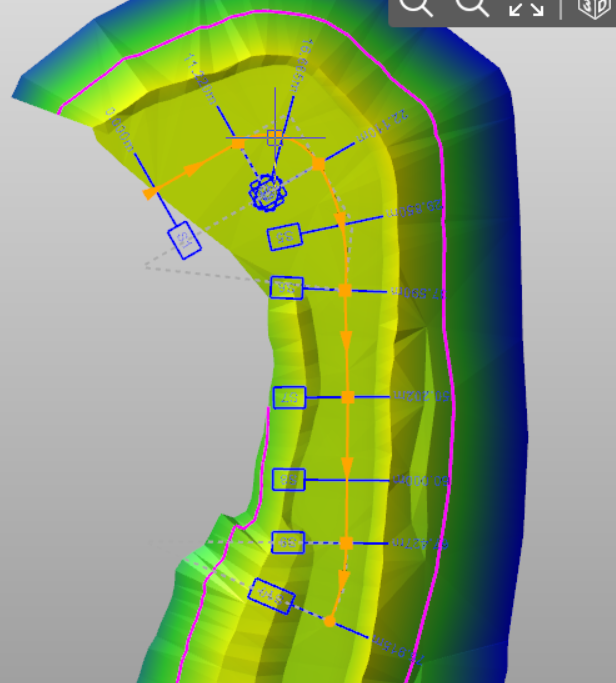
-
Creates an horizontal alignment by specifying transition points of straights and curves.
-
Click Add.

-
Select By curves and transition points.
-
Click on the CAD to select the first vertex of the alignment.
-
Select the insertion option of the new element:
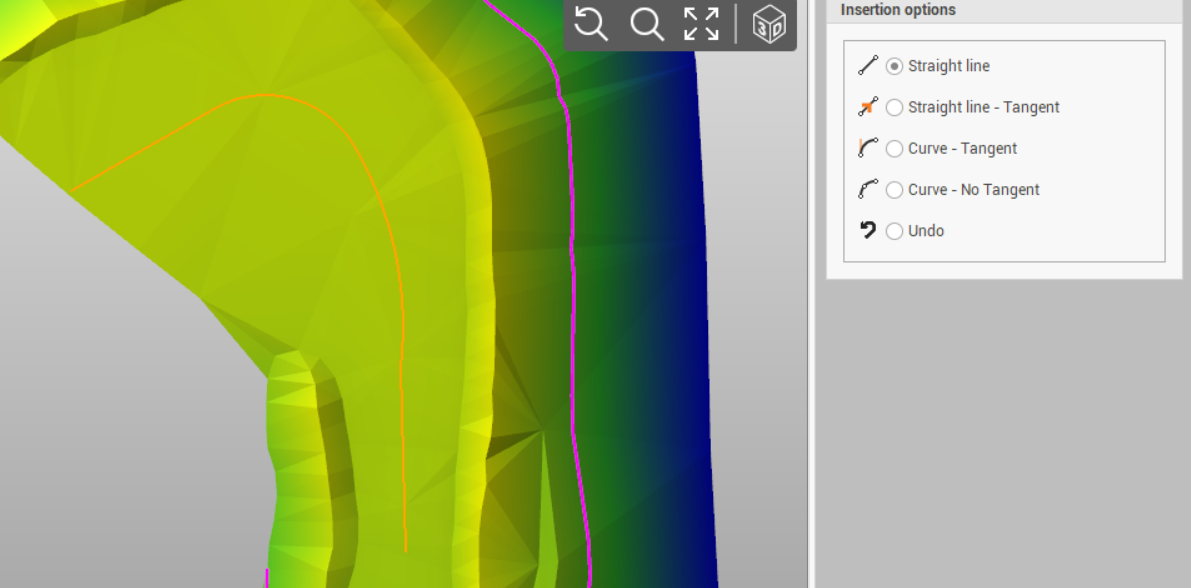
-
Straight line: inserts a straight line.
-
Straight line - Tangent: inserts a straight line tangent to last element.
-
Curve - Tangent: inserts a curve tangent to the last element.
-
Curve - No Tangent: inserts a curve not tangent to last element.
-
-
Confirm to create the alignment. Cross sections are automatically calculated according to defined settings (see Alignment main settings).