
-
The software provides some tools to edit existing alignments.
Insert vertex
-
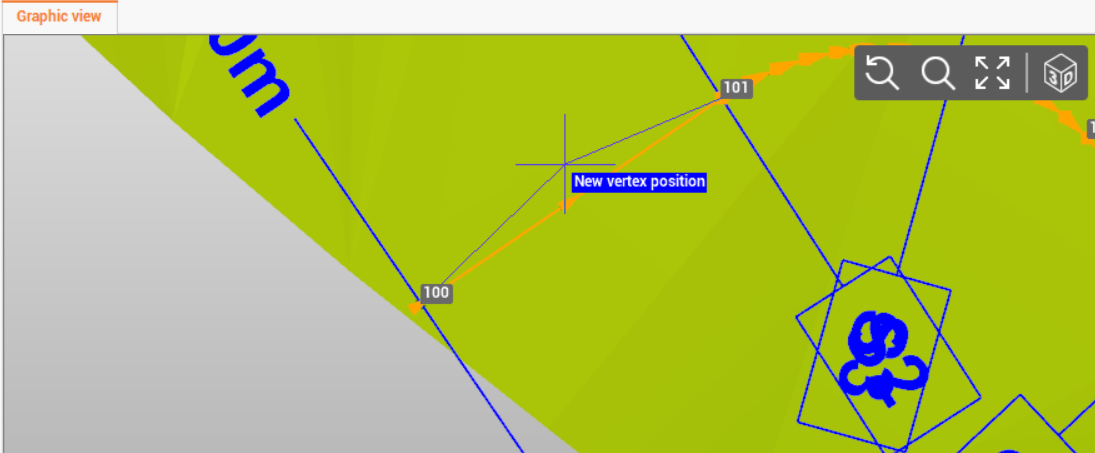
Inserts a new vertex on a segment of an horizontal alignment.
-
Click Insert vertex.

-
Select the segment where to insert the new vertex.
-
Click to create the new vertex position.
Insert curve
-
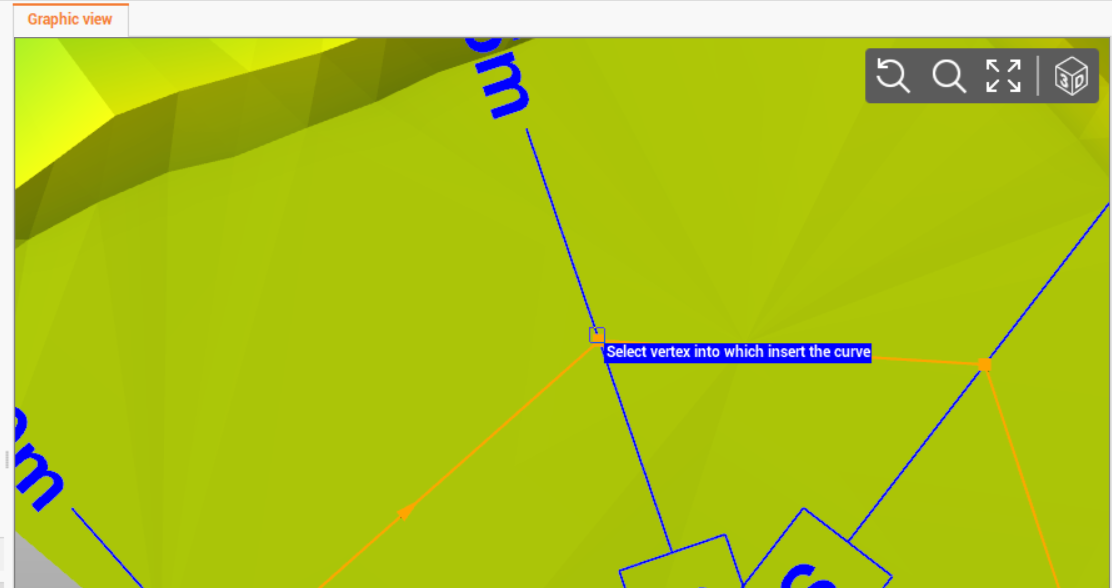
Inserts a new vertex on a curve on a vertex of the horizontal alignment; curve can be defined graphically or by entering the radius.
-
Click Insert curve.

-
Click on vertex where insert the curve.
-
Enter the curve radius and confirm the creation.
Delete vertex
-
Deletes the selected vertex from the horizontal alignment.
-
Click Delete vertex.
-
Click on a vertex on the horizontal alignment to delete it.
Delete curve
-
Deletes the selected curve from the horizontal alignment; curve is replaced by a vertex.
-
Click Delete curve.
-
Click on a vertex on the horizontal alignment to delete it.