
Aerial photos requires the module X-PHOTO AERIAL.
-
The software function allows to process aerial photos to produce different outputs such as orthophotos, point clouds and DSM.
-
To open a new Aerial session.
-
Click Imaging.
-
Click Aerial Photos.

You can also start a new session directly the Project Manager with a right-click on Flight sessions, then +New.
-
Choose a name for the session.
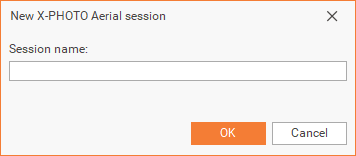
-
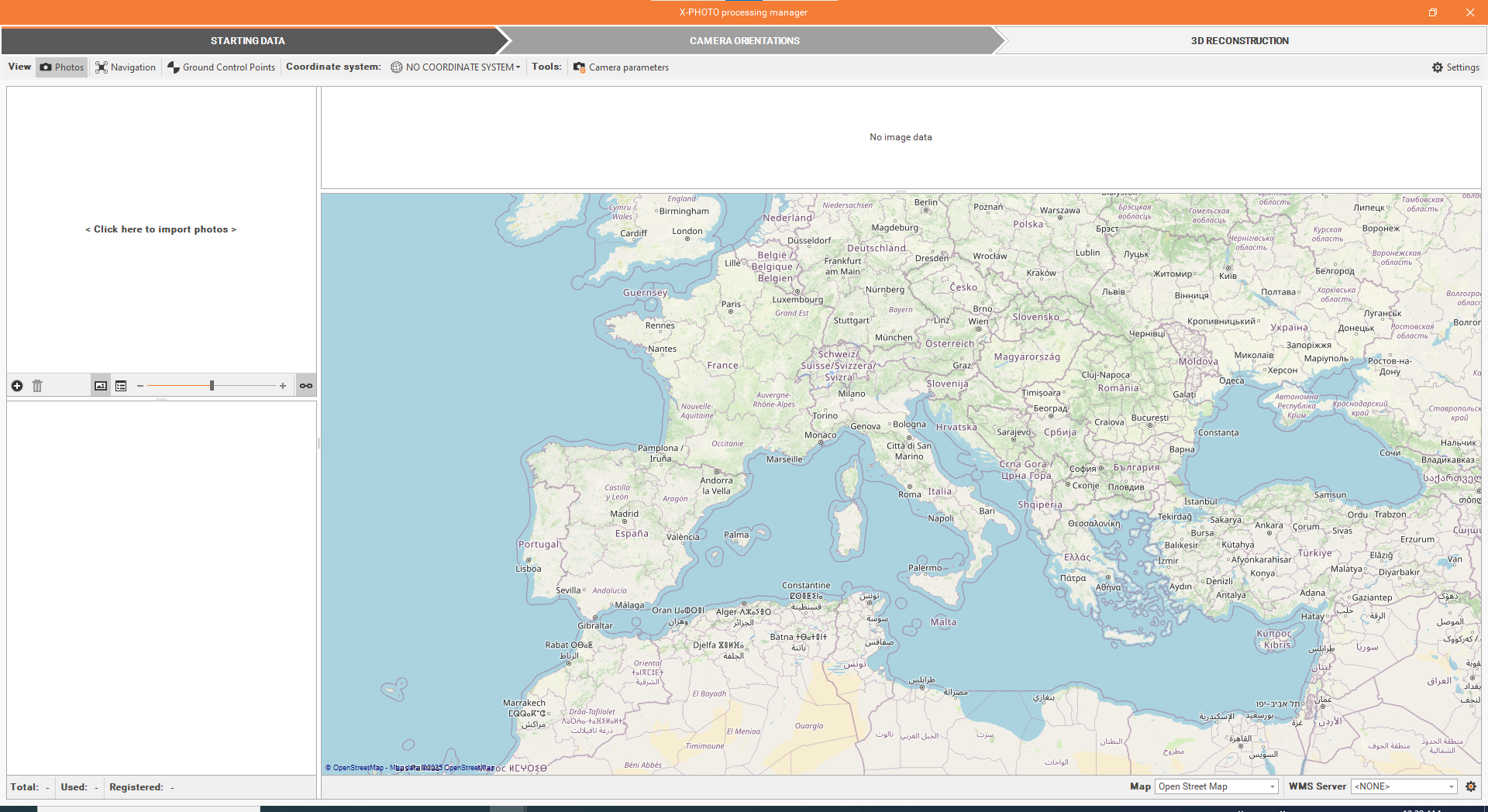
As a result, a new X-Photo Processing manager window, will open:
-
The X-Photo Processing manager has 5 main menus: Starting data, Camera orientations, Ground Control Points definition, Orientation optimization and 3D reconstruction.
-
The Ground Control Points definition and Orientation optimization can be skipped if the RTK Full Auto new function is used.