
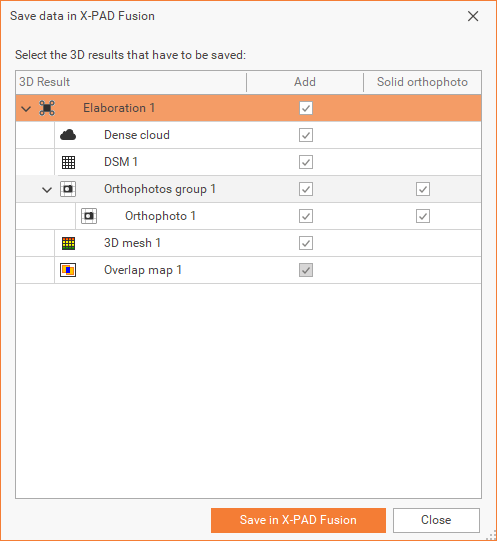
From main menu it’s possible select Save data in X-PAD Fusion with the outputs that has to be saved or create the X-Photo Report. This is a necessary step if we want further work on the output data in Fusion software.
-
From the sub-menu bar, click on Save in X-PAD Fusion

-
Select the 3D results you want to save.
-
Click Save in X-PAD Fusion to save the selected 3D results.
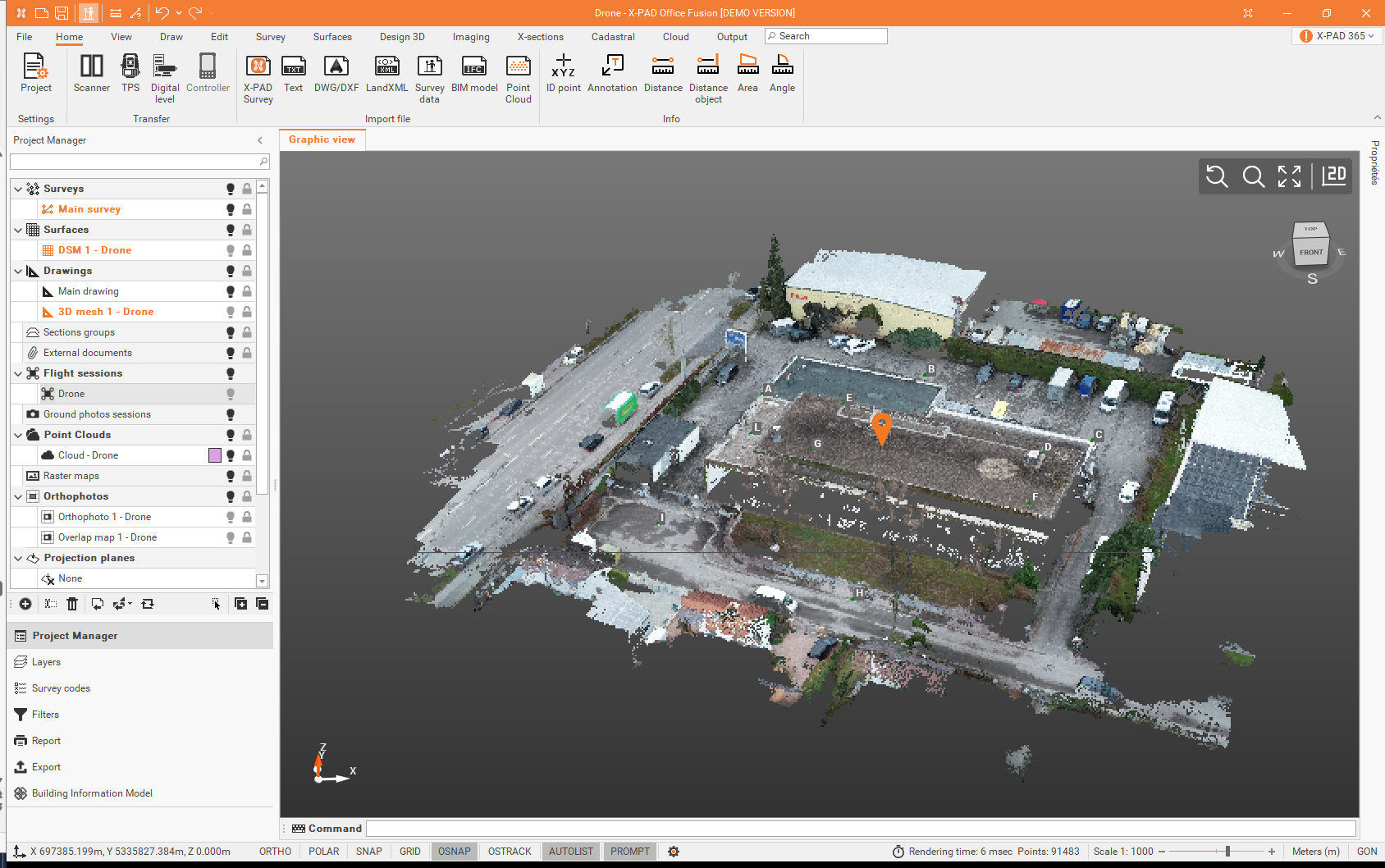
Orthophotos can be exported as solid orthophotos.