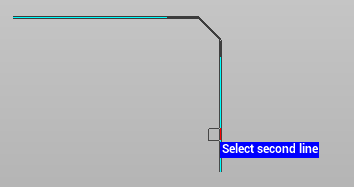
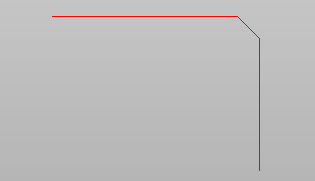
Use the commands chamfer or chamfer with distance to chamfer or bevel the edges of two objects.
-
Chamfer.
-
Chamfer with distance.
Chamfer
Use the Chamfer to connect selected objects to their intersection point.
-
Click Edit.
-
Click Chamfer.

-
Select the first line.
-
Select the second line.
Chamfer with distance
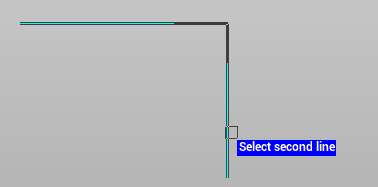
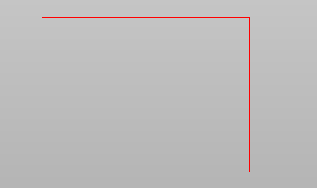
Use the chamfer with distance function to bevels the edges of the selected objects.
-
Click Edit.
-
Click on the arrow near the function Chamfer to open the drop-down menu.
-
Select Chamfer with distance.

-
Define the chamfer distance for the first and second line.
-
Select in the graphic view the first and second line.