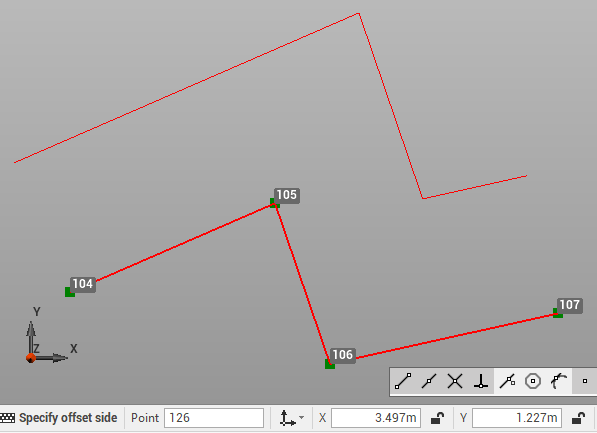
Use the command Offset to create a parallel copy of the selected object at specified distance.
-
Click Edit.
-
Click Offset.

-
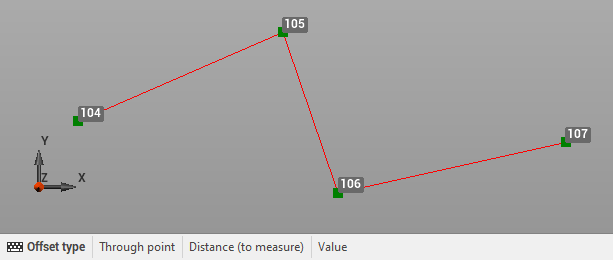
Select the offset type:
-
Through point: select in CAD the point or position through which the offset copy should pass.
-
Distance (to measure): measure in CAD the offset distance.
-
Value: enter the offset distance.
-
-
Enter the required information to create a copy of the selected object at entered offset.