
Use the command Move to move selected objects to a new position.
-
Click Edit.
-
Click Move.

-
Click on graphic view to select the objects to move.
-
Specify the base point.
-
Specify in the graphic view the target position for the base point to move selected objects.
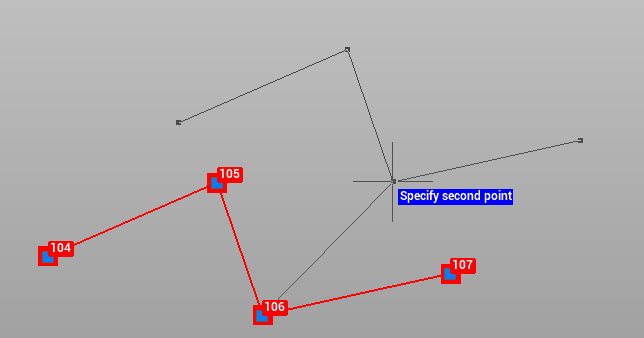
You can click on the bottom bar to have the possibility to enter the shift by entering the delta or azimuth/distance 