
Use the command Rotate to rotate selected CAD objects around a reference position.
-
Click Edit.
-
Click Rotate.

-
Click on graphic view to select the objects to copy.
-
Specify the reference point for the rotation.
-
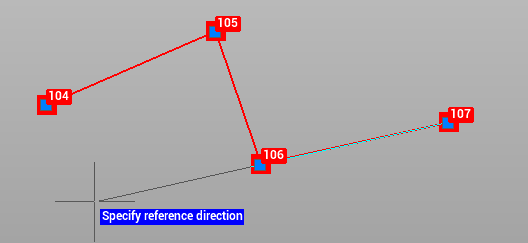
Specify the reference direction.
-
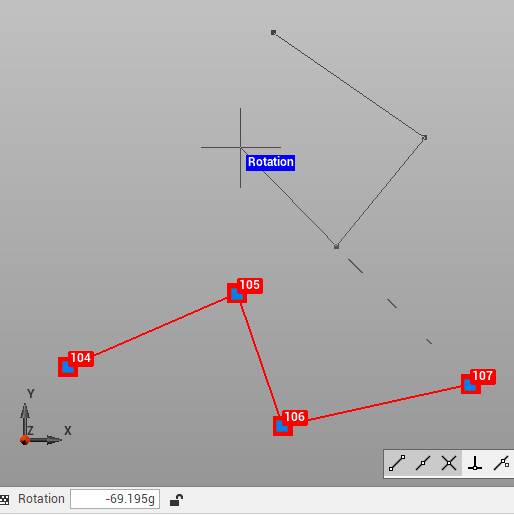
Enter the desired rotation, specifying the angle, or confirm the rotation on the graphic view.
-
Right-click to confirm.