
-
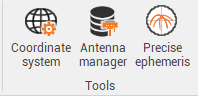
GNSS Post processing has tools to manage:
-
The coordinate system of the project.
-
The antenna calibration sets.
-
The precise ephemeris.
-
Coordinate system
-
Coordinate system tool allows to define the coordinate system of the project.
-
Click Coordinate system.

Antenna manager
-
Antenna manager allows to manage the phase center calibration from different agencies.
-
Click Antenna manager.

-
This command opens a new window.
-
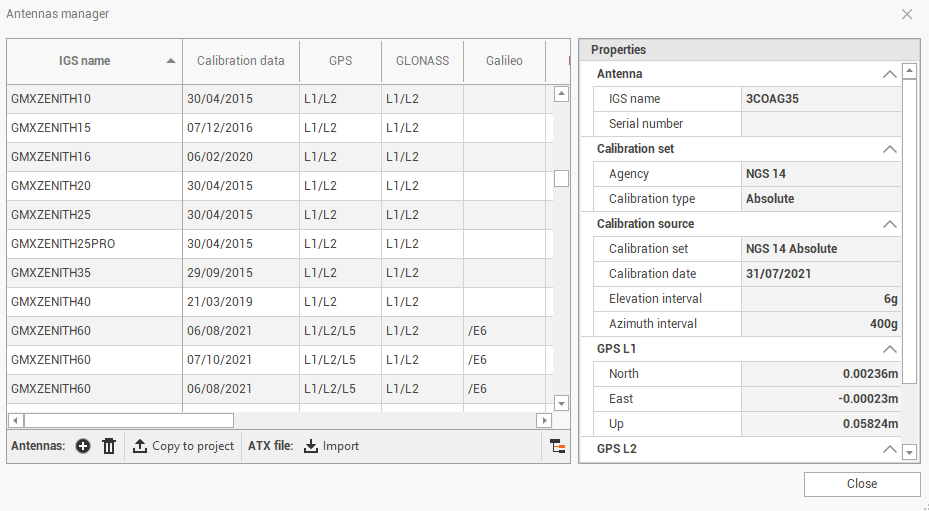
The table shows the available calibration for GNSS antennas from different brands.
It is usually not necessary to perform any operation on this database, since all calibrations are preloaded.
-
In the table there are information on the calibration file.
-
IGS name: the IGS name of the antenna point.
-
Calibration data: the date of the calibration for selected antenna from a specific agency.
-
GPS/GLONASS/Galileo/Beidou/QZSS/SBAS: shows if calibration is specific for a constellation.
-
Calibration set: the agency for the calibration.
-
-
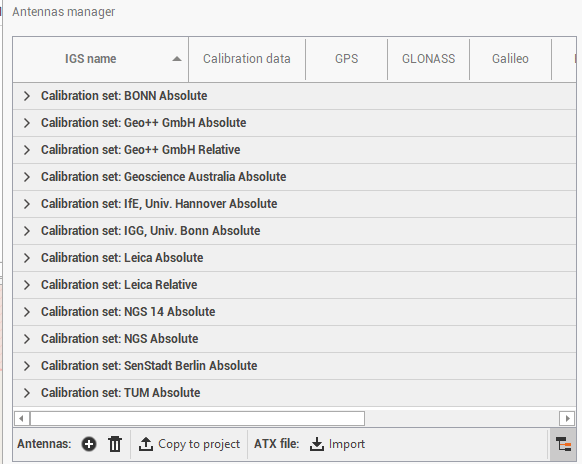
Click Group antennas

-
On the bottom bar there are some commands to manage the calibrations:
-
Import ATX

-
Add

-
Delete

-
Copy to project

-
Precise ephemeris
The Precise ephemeris command allows to import and use precise ephemeris in SP3-P format to be used in the GNSS processing. The SP3-P format is an internationally accepted standard ASCII format for precise ephemeris.
There are several services that provide precise ephemeris data, like for example:
-
IGN Global Data Center.
-
IGS International GPS Service for Geodynamics.
-
Click Precise ephemeris.

-
This command opens a new window.
-
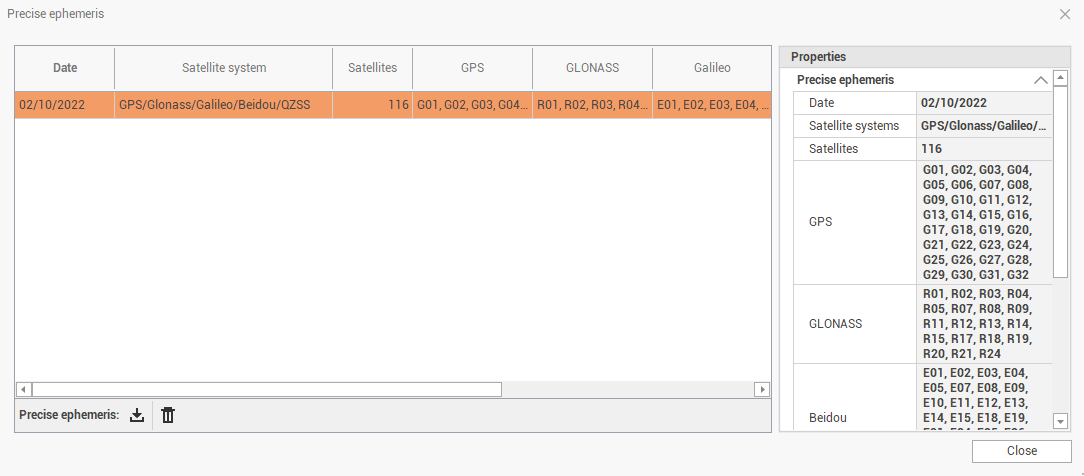
The table shows the list of available precise ephemeris that was previously imported.
-
Import: to import a file in SP3-P format.
-
Delete: to delete imported file.
-