
The command Current view is used to plot the current view, independently from a plot box.
-
Click Output.
-
Click Current view.

-
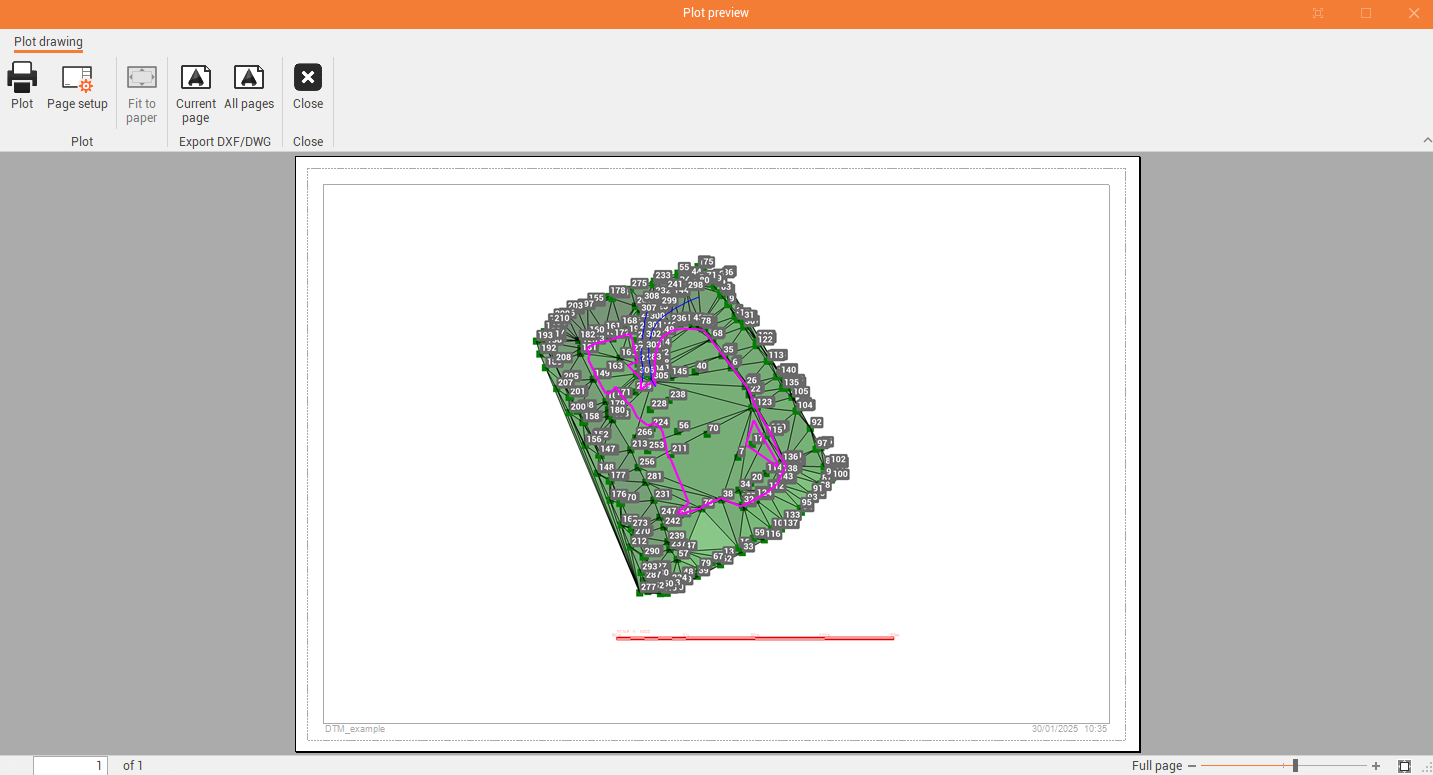
This commands opens the preview window.
-
The plot preview has different commands:
-
Plot: to send the preview to the printer.
-
Page setup: to open the page setup window.
-
Fit to paper: fits the drawing to the current paper size.
-
Current page: exports the current page to DXF/DWG.
-
All pages: exports all pages to DXF/DWG.
-
Close: close the preview.
-