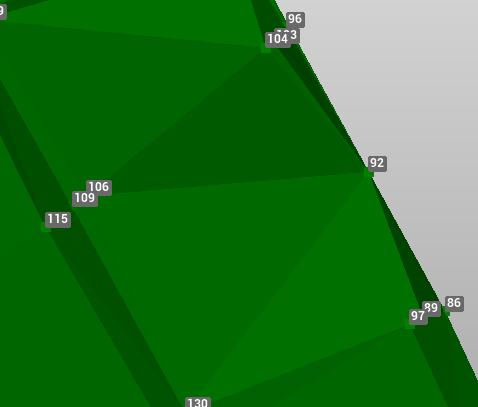
Add triangles
The command Add triangles allows to manually create new triangles selecting the 3 vertexes.
-
Click Surfaces.
-
Click Add new triangle.

-
Select in CAD the 3 vertexes of the new triangle.
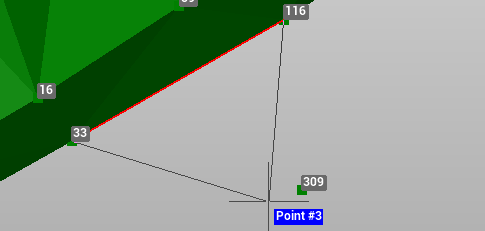
-
The new triangle is part of the selected Surface subproject.
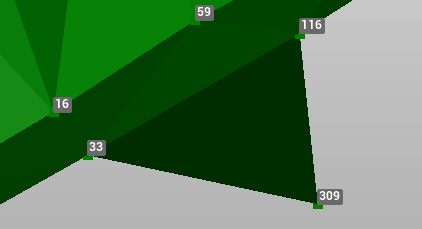
Delete triangles
Delete triangles command deletes selected triangles from a surface.
-
Click Surfaces.
-
Click Delete triangle.

-
Select in CAD the triangles to delete. It is possible to select multiple triangles with an area selection. Selected triangles are visualized in red.
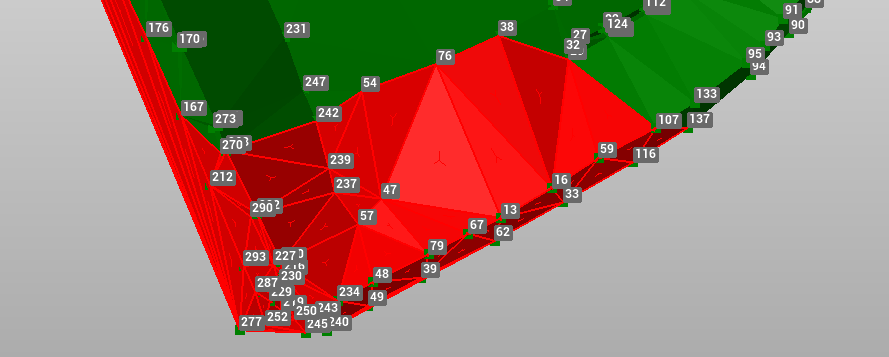
-
Right-click to confirm
Swap faces
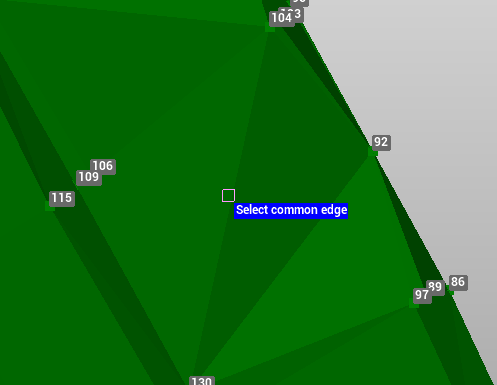
You can invert the faces of two adjacent triangles by selecting the shared side. This command allowsto manually improve a triangular model to make it more like the real model.
-
Click Surfaces.
-
Click Swap faces.

-
Select the common edge between two triangles.
-
Right click to confirm.