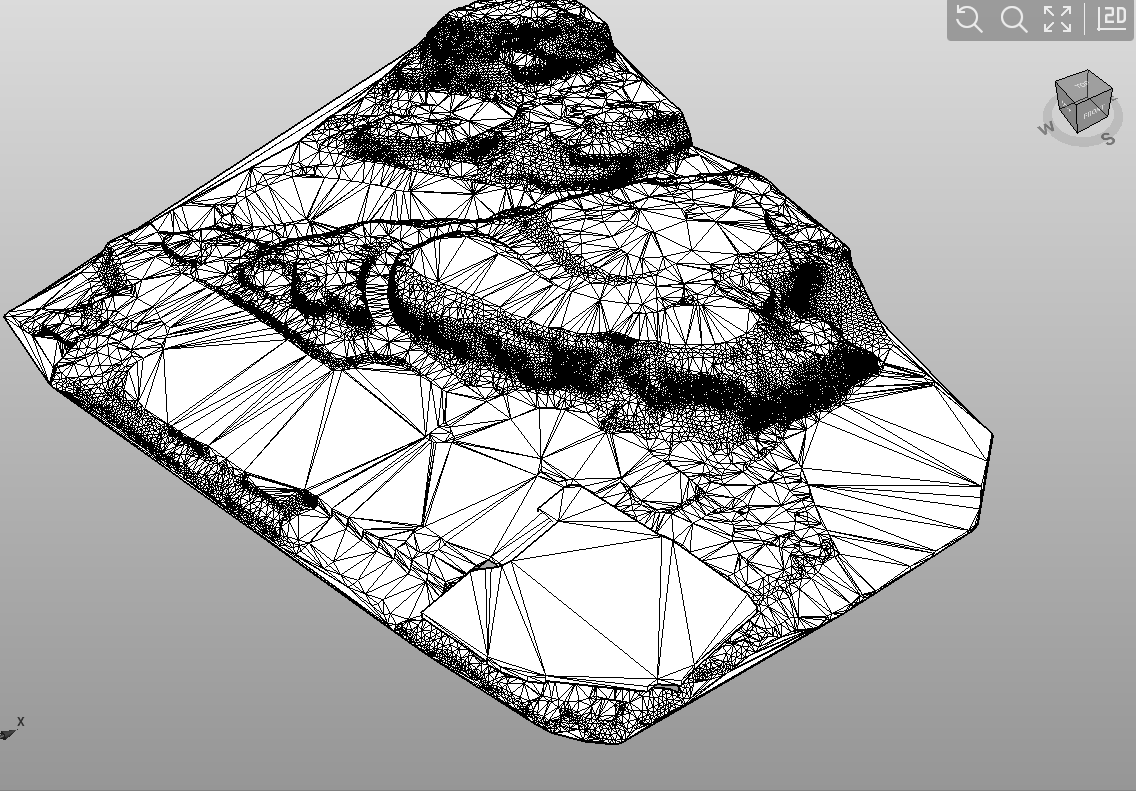
The command From Mesh allows to create a surface from a mesh, for example from an imported BIM model.
-
Click Surfaces.
-
Click From mesh.

-
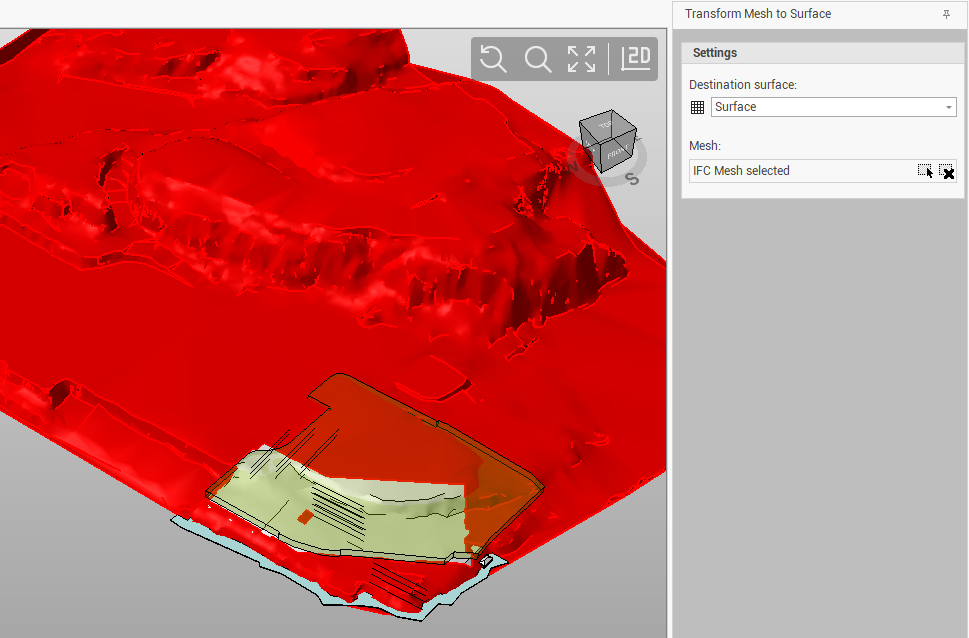
The command opens a new panel on the right.
-
Destination surface: select the Surface subproject where the surface is created. If not already done before, you can create an empty surface with command New empty surface.
-
Mesh: select in the CAD view the mesh to transform using this command

-
-
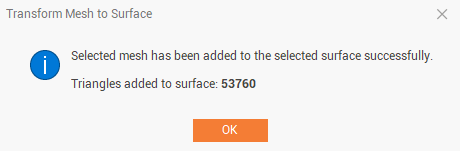
Click Transform. The mesh is transformed to generate a surface with triangles.