
-
Zoom45 has the possibility to be updated online, using an internet connection, or manually using files on USB.
-
Main updates are:
-
Update the Android OS.
-
Update the instrument sensors.
-
Update display firmware.
-
Update Android OS
-
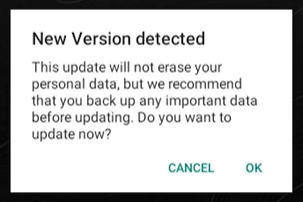
Zoom45 checks automatically if a new Android version is available and notify the user to proceed with the online update.
-
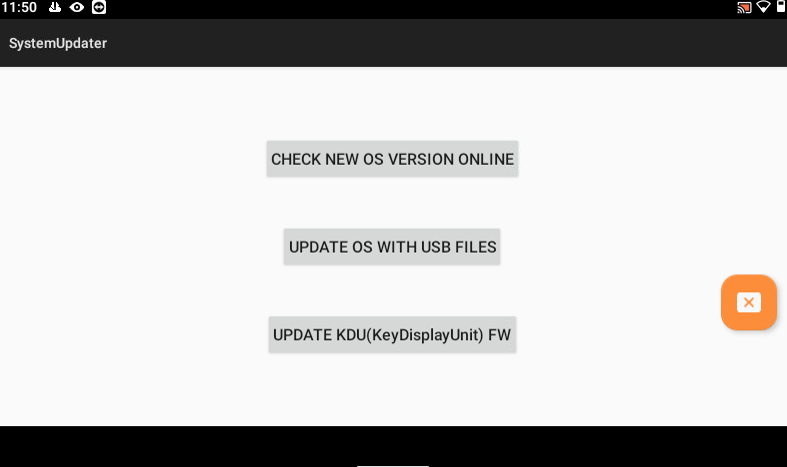
Otherwise it is possible to check if a new version is available from SystemUpdater application.
-
Start SystemUpdater application and select Check new OS version online.
-
Click OK to proceed with the update.
-
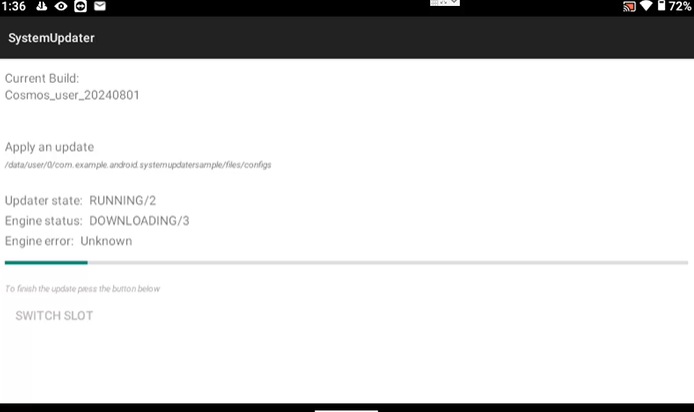
The process will take several minutes. Wait until the software asks to manually turn off and on the instrument to complete the update.
Update display firmware
-
The update of the Zoom45 display is done from the SystemUpdater application.
-
Start SystemUpdater application and select Update KDU FW.
-
Click OK to proceed with the update. The screen will be automatically turned off and on for the update.
Instrument sensors update
-
Refer to Upgrade firmware function in GeoMax Toolkit.