-
In order to benefit of different functionalities, like connection to cloud servers, software and firmware update, etc… a connection from the total station in internet is required.
-
To connect the instrument to internet, since has no internal GPRS module, the instrument has to connect to an available Wi-Fi network or an Wi-Fi hotspot.
-
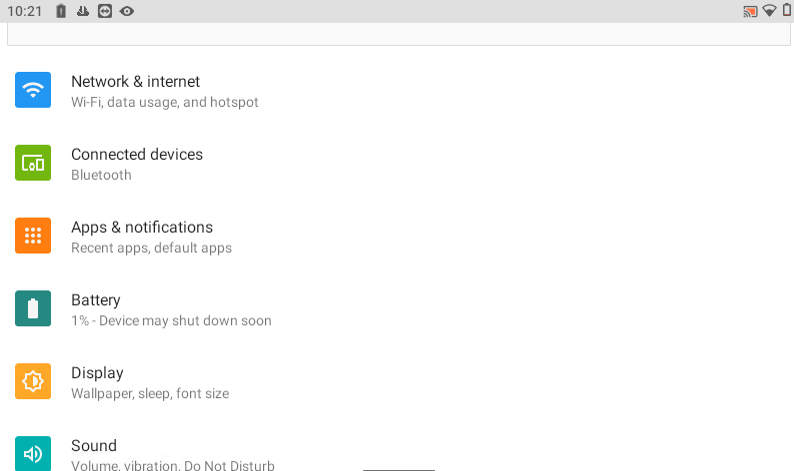
Open Settings.
-
Select Network & Internet.
-
Enables the Wi-Fi if is turned off.
-
Click Wi-Fi to open the list of available networks.
-
Select an available Wi-Fi connection and enter the password, click Connect.
