-
It is possible to customize the Zoom45 function keys to perform specific operations in the X-PAD Ultimate software.
-
Open X-PAD Ultimate software.
-
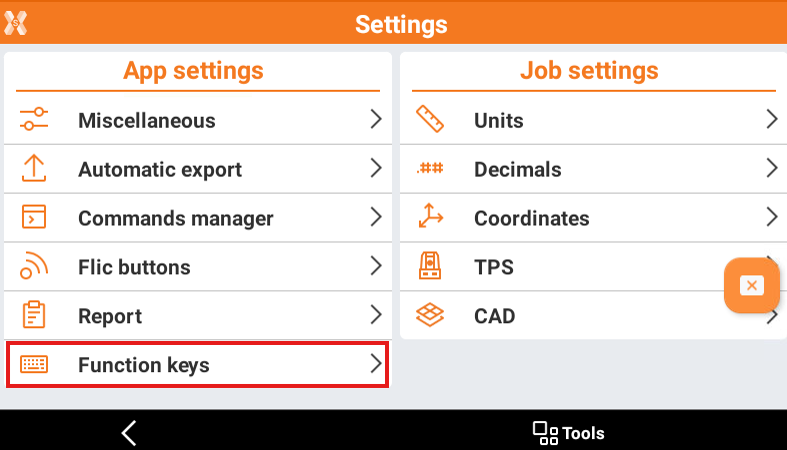
Open Settings.
-
Select Function keys.
-
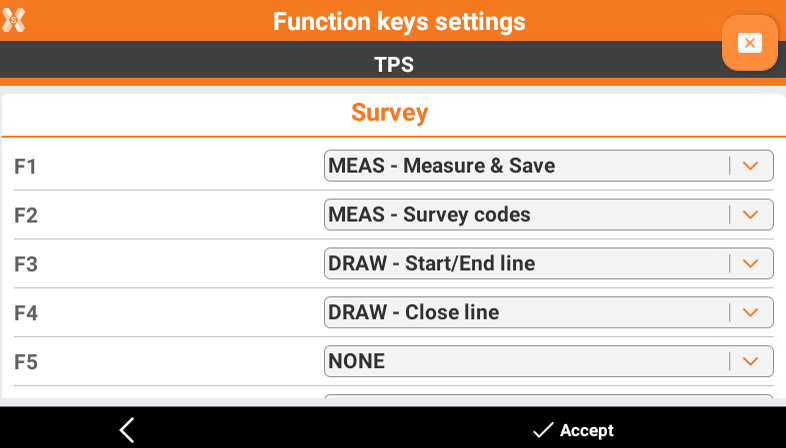
Select the functions to be assigned, for Survey functions and Stakeout functions, to each function key. Click Accept to save.
-
Now when working in a Survey or Stakeout application, press the corresponding function key on Zoom45 keyboard to activate the function.
-
