-
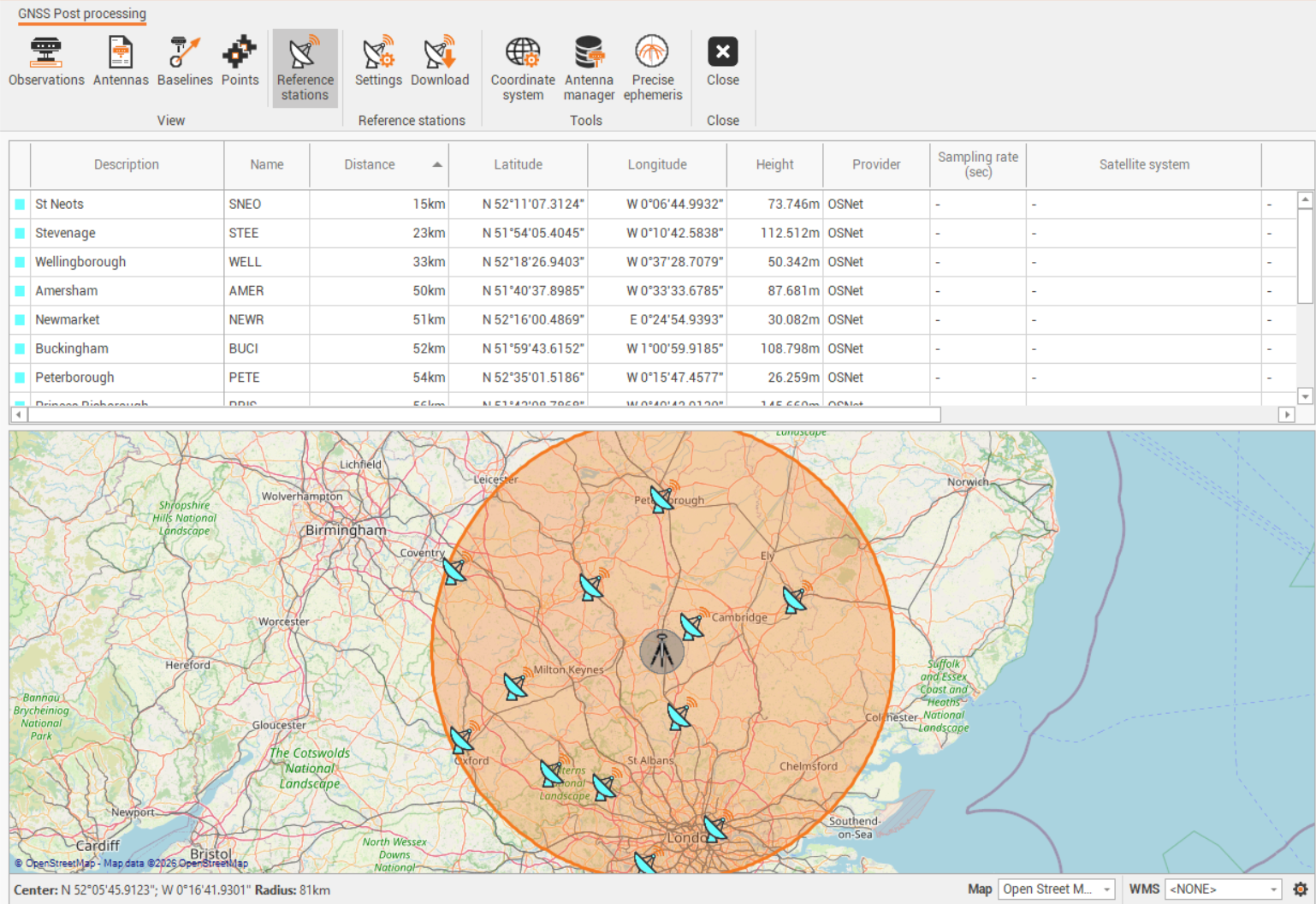
Fusion allows to connect and download data from Ordnance Survey network.
-
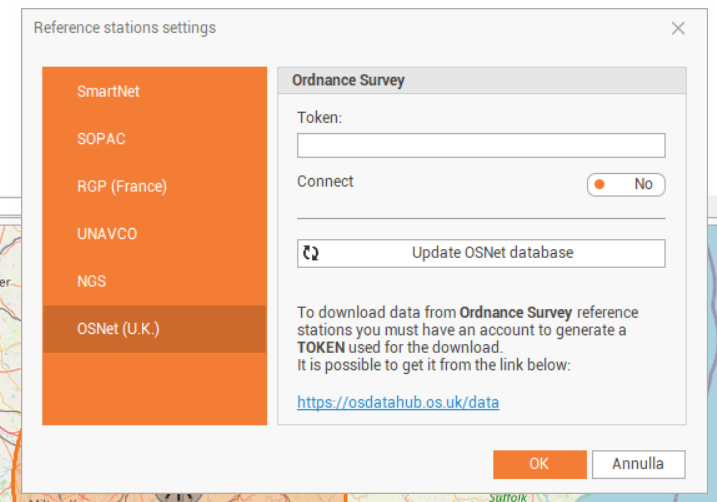
This requires to generate a token on Ordnance Survey website.
-
Create an account and login.
-
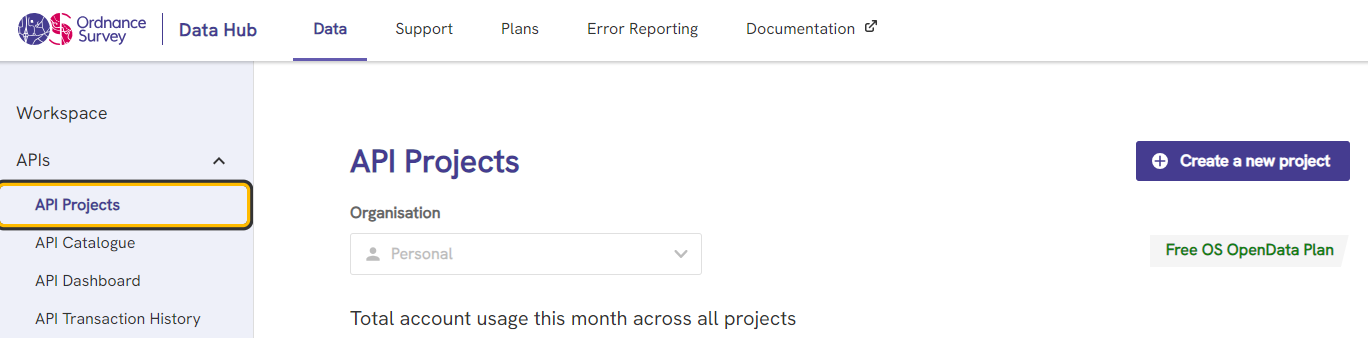
Click API Projects and click Create a new project.
-
Enter a name for the project.
-
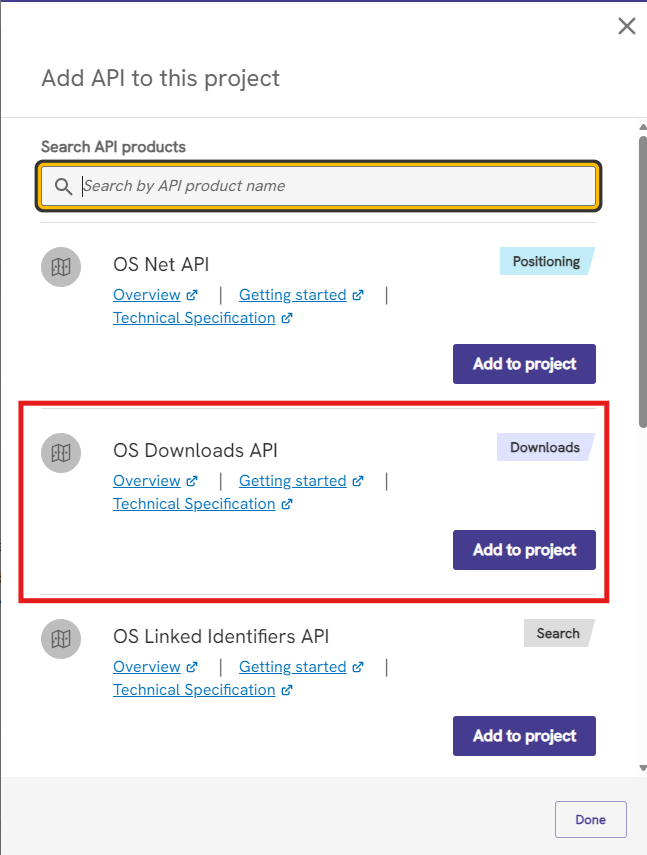
Select the created project and click Add API.
-
From the list select OS Downloads API, click Add to project.
-
Copy the Project API Key and paste it in Fusion in Token field.
-
It is now possible to download Rinex data from OSNet.