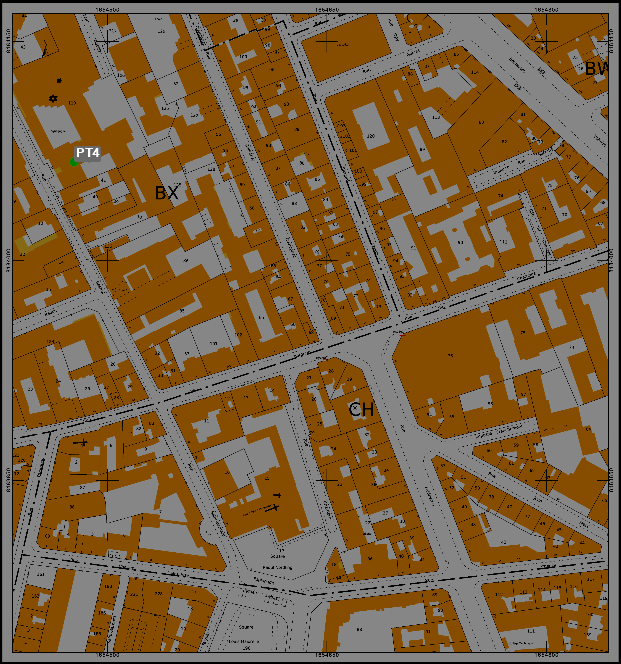
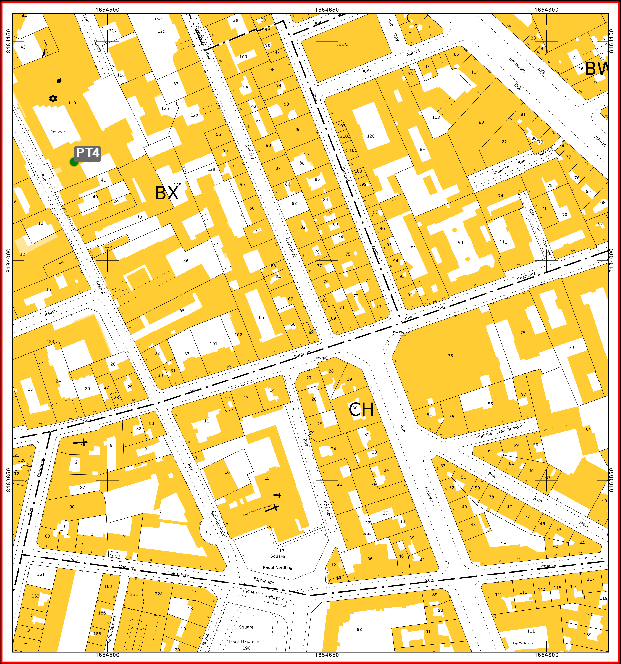
This command modifies the overall brightness, contrast, and intensity of the selected raster map.
-
Click Imaging.
-
Click Tools.
-
Click Brightness/Contrast/Intensity.

-
Select the raster map you want to modify.
-
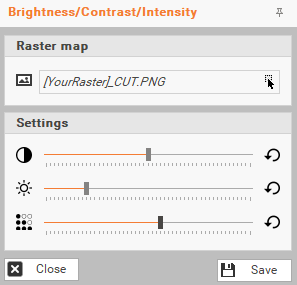
From the new right-panel, change the settings by moving the cursor.
-
Click Save to store your new Raster Map.