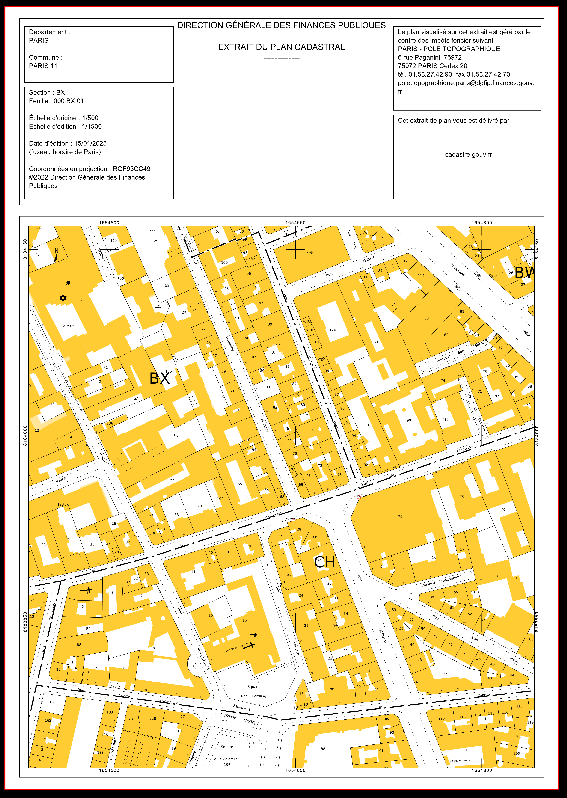
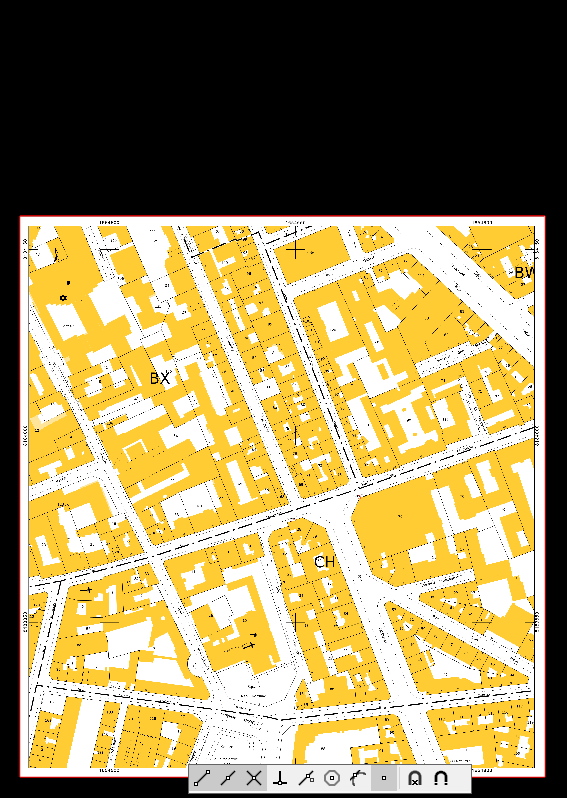
This command creates a new Raster Map by removing the parts of the raster map outside the rectangular selection area.
-
Click Imaging.
-
Click Tools.
-
Click Crop raster map.
-
Select the raster map you want to crop.
-
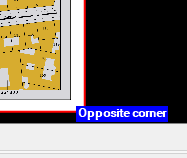
Define the part of the raster map you want to keep, by:
-
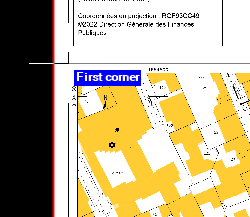
Clicking on the first corner.
-
Then on the opposite corner.
-
-
As last step, give a name to your new cropped Raster Map