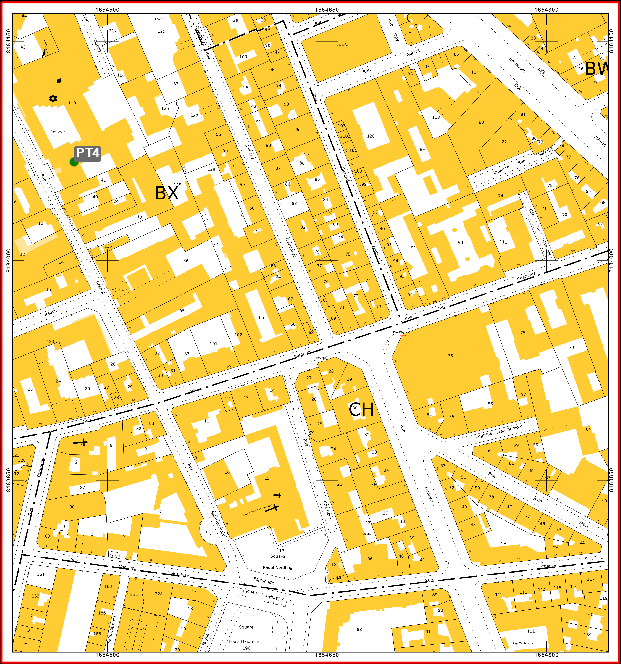
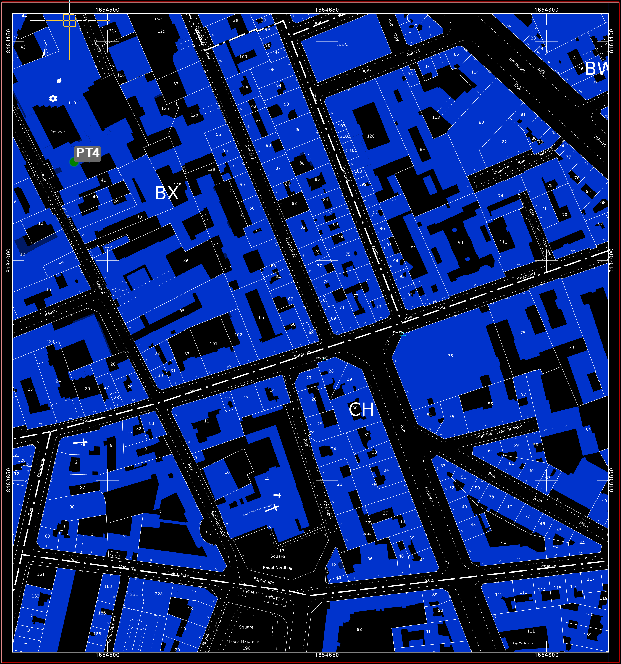
This command helps reverse the colors of the selected Raster map, by applying a negative color transformation, reversing each pixel’s color to its opposite in the color spectrum (for example white become black, yellow becomes blue, etc).
-
Click Imaging.
-
Click Tools.
-
Click Invert Colors.

-
Select the raster map you want to reverse the colors