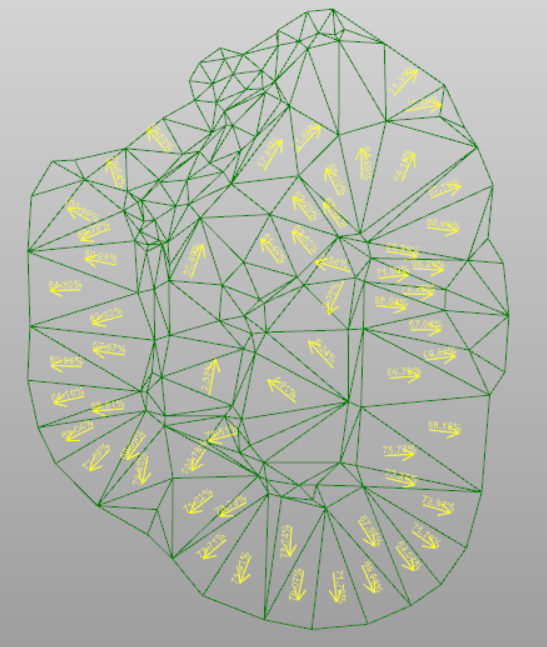
This option displays the symbols that indicate the slope direction of main triangle in the selected surface.
-
Click Surface.
-
Click Slope symbols.

-
This opens a new panel on the right.
-
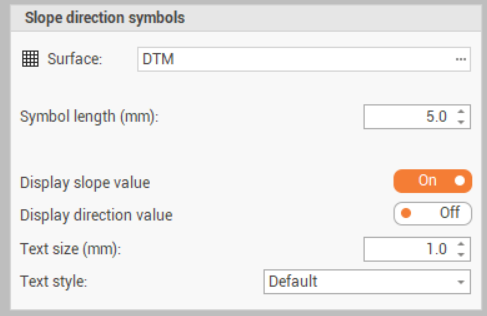
Surface: select the surface on which to display the slope symbols.
-
Symbol lenght (mm): the lenght of the slope symbols.
-
Display slope value: enables/disables the visualization of the slope value.
-
Display direction value: enables/disables the visualization of the slope direction as azimuth.
-
Text size (mm): the size of the texts.
-
Text style: the style of the texts.
-
-
Click Generate to generate the symbols and texts.