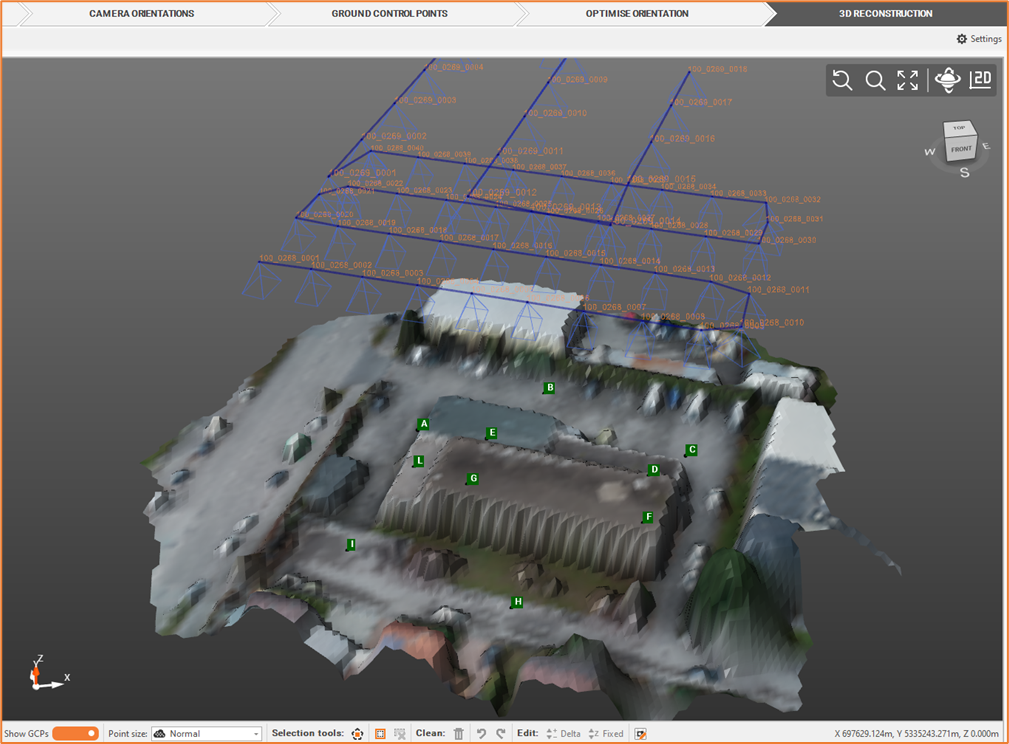
We can create, based on dense point cloud, a Digital Surface model (DTM), that is a surface representing the highest elevation of a terrain.
-
From the Outputs bar, select Elaborate DSM

-
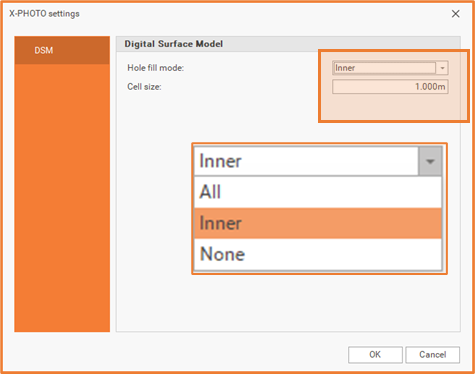
Define the DSM settings.
-
Hole fill: elect one of the available mode to fill the DSM holes.
-
All: this mode fills all holes.
-
Inner: in this mode, only the holes within the surface are filled.
-
None: in this mode, no holes are filled.
-
-
Cell size: reduce this value in order to increase the DSM quality.
-
-
Click OK for the final output.