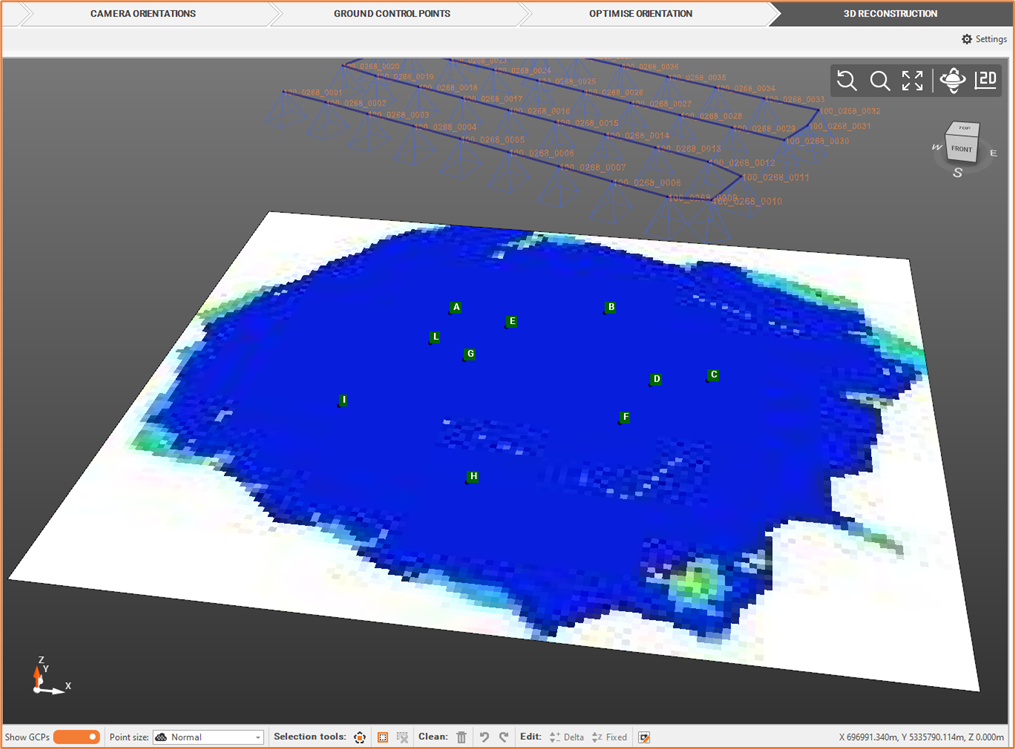
A photo overlap map allows to check the overlap between the photos used for the camera orientation.
-
From the Outputs bar, you can create an overlap map based on Dense Cloud.
-
Click Elaborate Photo Overlay Map

-
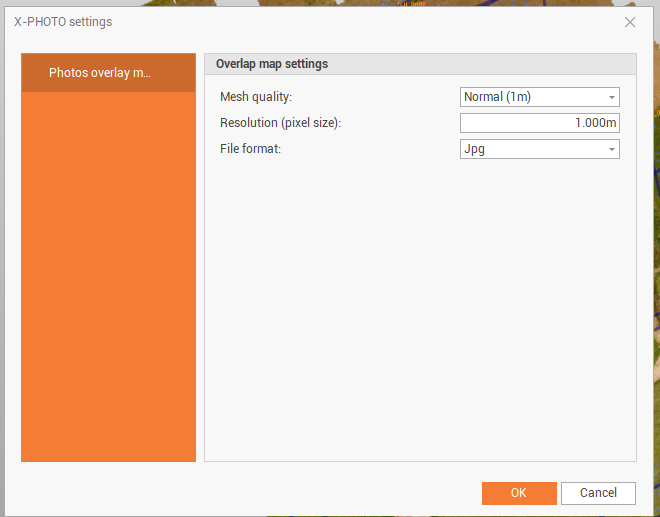
Define the Photo overlay map settings.
-
Mesh quality: the quality of the mesh.
-
Resolution: the resolution in pixel size. It’s possible to reduce the resolution value and increase the image size in order to increase the result.
-
File format: the output file format (jpg, png, geo tiff).
-
-
Click OK for the final output. The output represents the between the photos in the camera orientation.