
Before upgrading the firmware, it is recommended to check the firmware version currently loaded.
Perform this operation only with battery charged.
-
If the installed firmware is older than the latest one available in the GeoMax Partner Area or XPAD365 repository, it is recommended to perform an update.
-
Download the latest firmware file and copy it in a microSD card, inside a folder called SYSTEM.
-
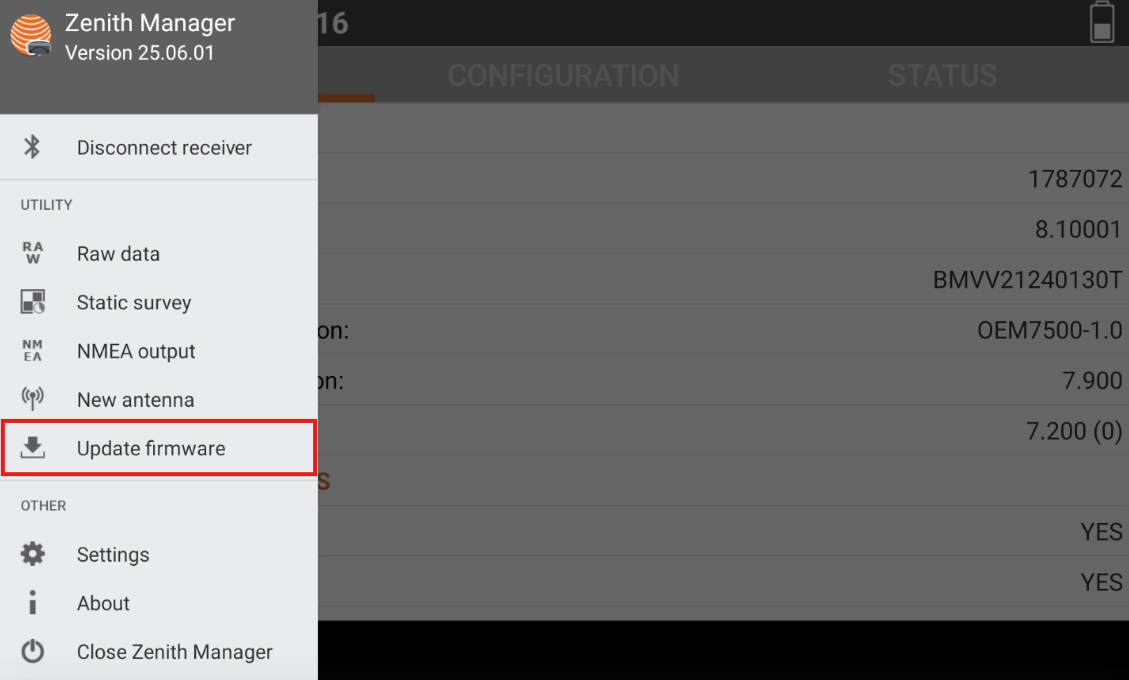
Start Zenith Manager and select “Firmware update”.
-
Select the firmware file copied in the microSD card. Click UPLOAD.