-
Using Zenith Manager Android it is possible to start raw data logging.
-
Connect Zenith Manager to the GNSS receiver.
-
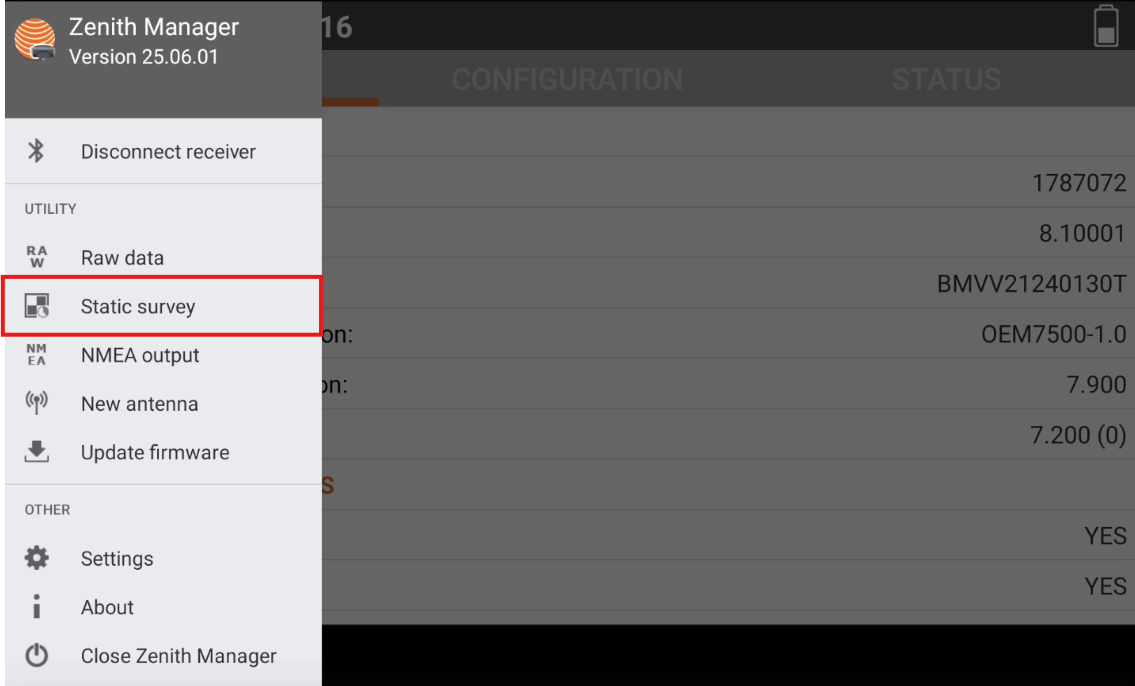
Open the toolbar and select Static survey.
-
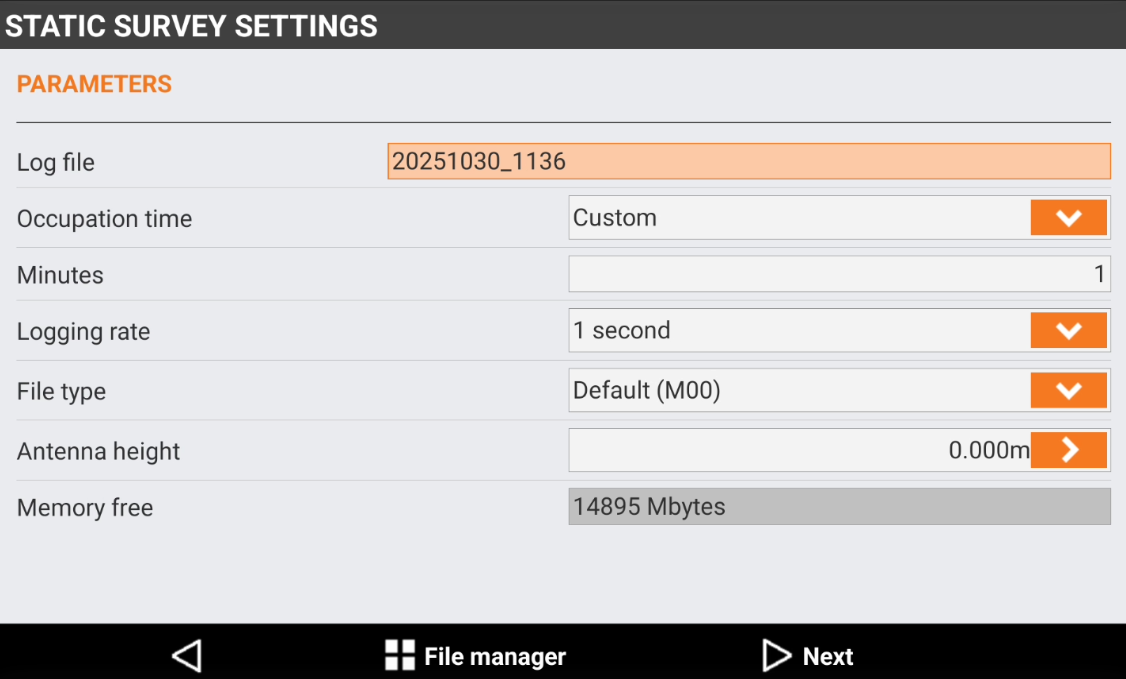
Select the parameters.
-
Log file: name to assign to the log file that contains data of the occupation.
-
Occup.time: occupation time of the point. Set a default time or choose the Custom option. In this case enter the occupation time in minutes.
-
Logging rate: frequency with which to record data for post-processing.
-
File type: sets the file’s type to store.
-
Antenna height: sets the height of antenna to store.
-
-
Click File manager to see the stored data in the memory.
-
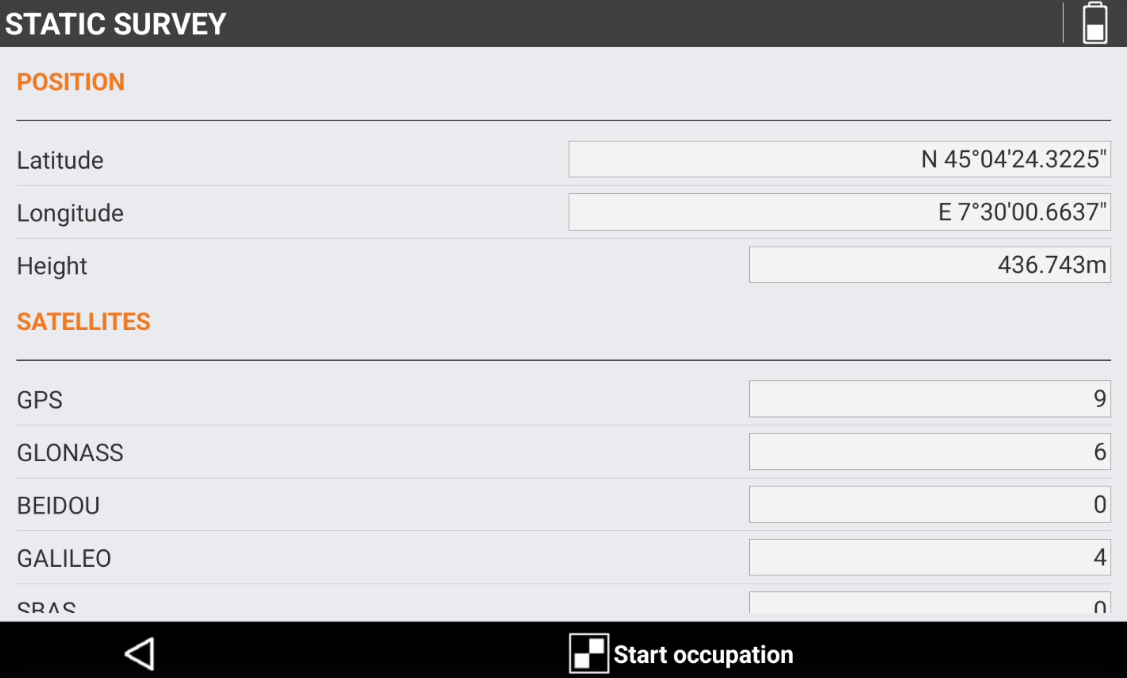
Click Next to start the raw data logging. When ready click Start occupation.
-
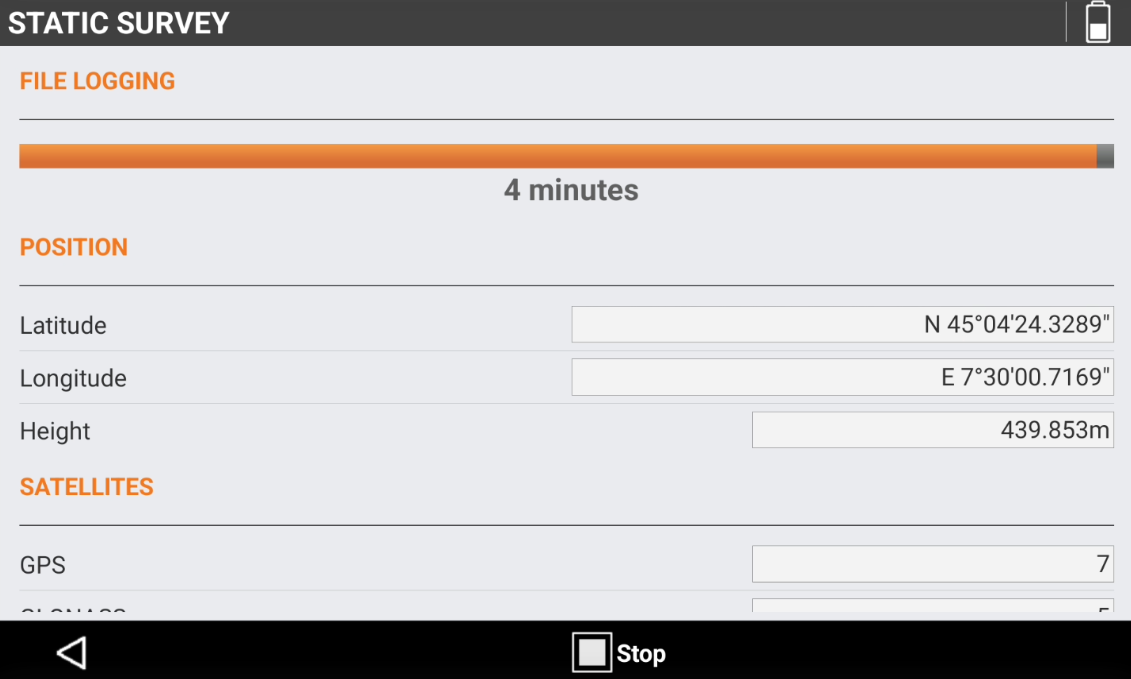
It is possible to click Stop to stop the static occupation.