
X-PAD Office Fusion can import point cloud from different formats.
-
Click Home.
-
Click Point Cloud.

-
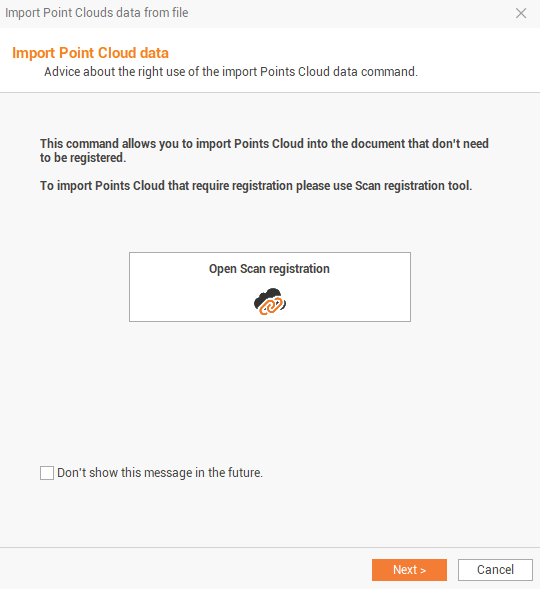
This command opens the following window:
-
If the point clouds have to be registered, click on Open Scan registration to open the point cloud registration routine (see Points clouds registration), otherwise click on Next to import a point cloud file without registering it.
-
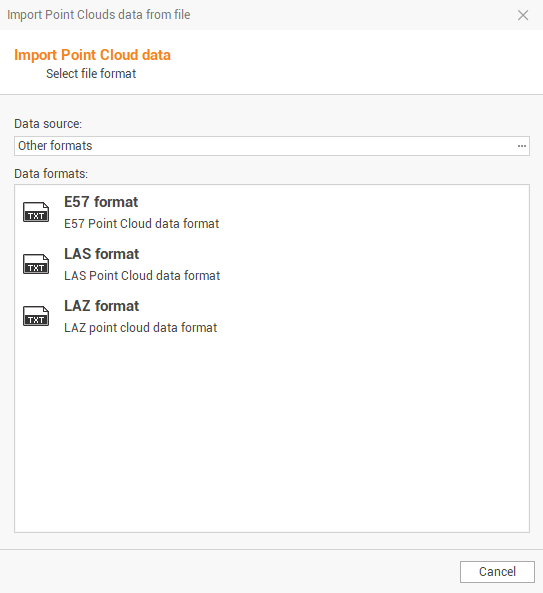
Select the Data source and the Data formats, depending on the data we want to import.
-
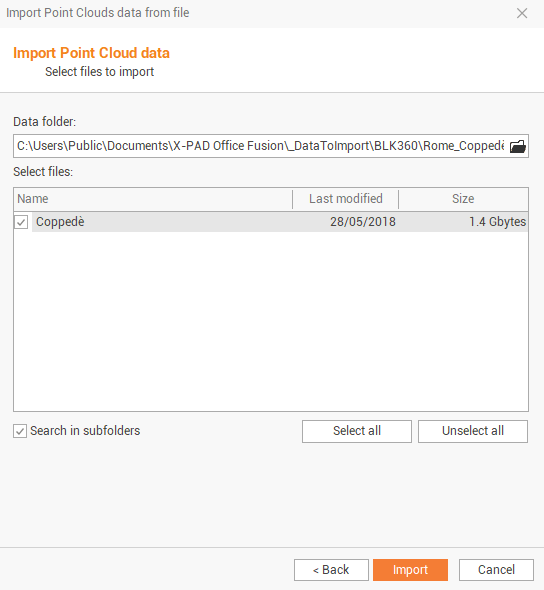
Select the folder where point clouds are stored by clicking on the folder icon.
-
Select the available files in the selected folder to import. Check the option Search in subfolders to also search files in subfolders.
-
Click Import to import the selected point clouds.