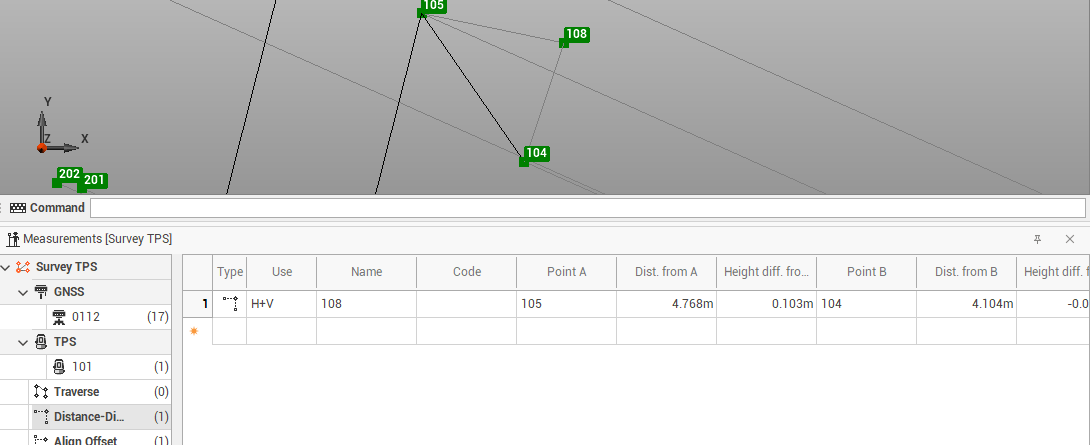
The command allows you to create new measurements by intersection of two distances from two points.
-
Click Survey.
-
Click Add measure by offset Distance-Distance.

-
Select in the graphic view the first auxiliary point.
-
Select in the graphic view the second auxiliary point.
-
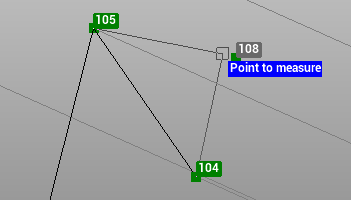
Select in the graphic view the point to measure to create the distance-distance measure.
-
The measure is added to the Measurement table.