
The report function is used to open previously performed and saved calculations, using the Calculation function (see Calculation ).
-
Click Survey.
-
Click Report.

-
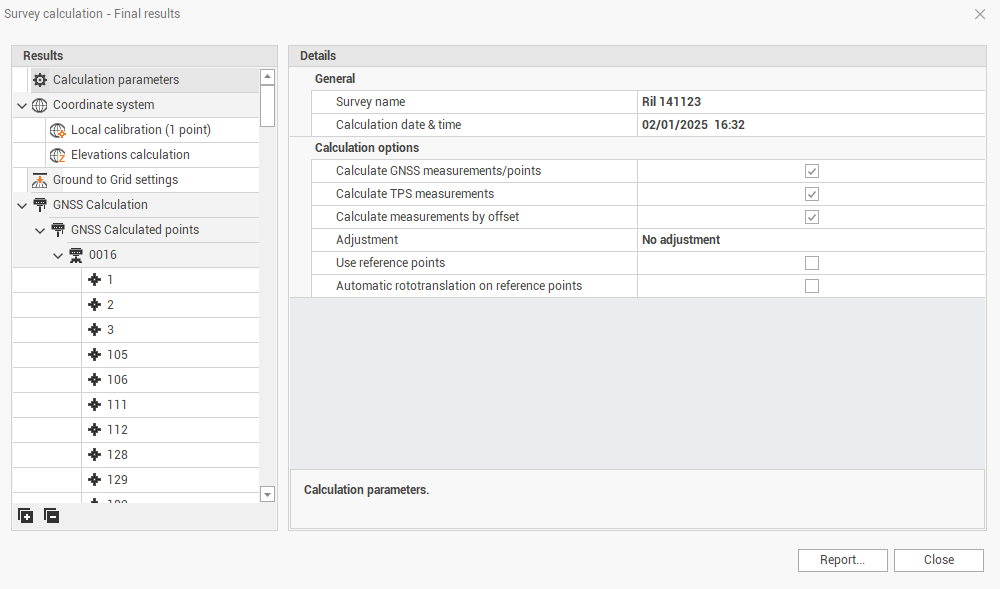
If a calculation has been performed and saved, the software opens the Final results window, with the result of saved calculation.
-
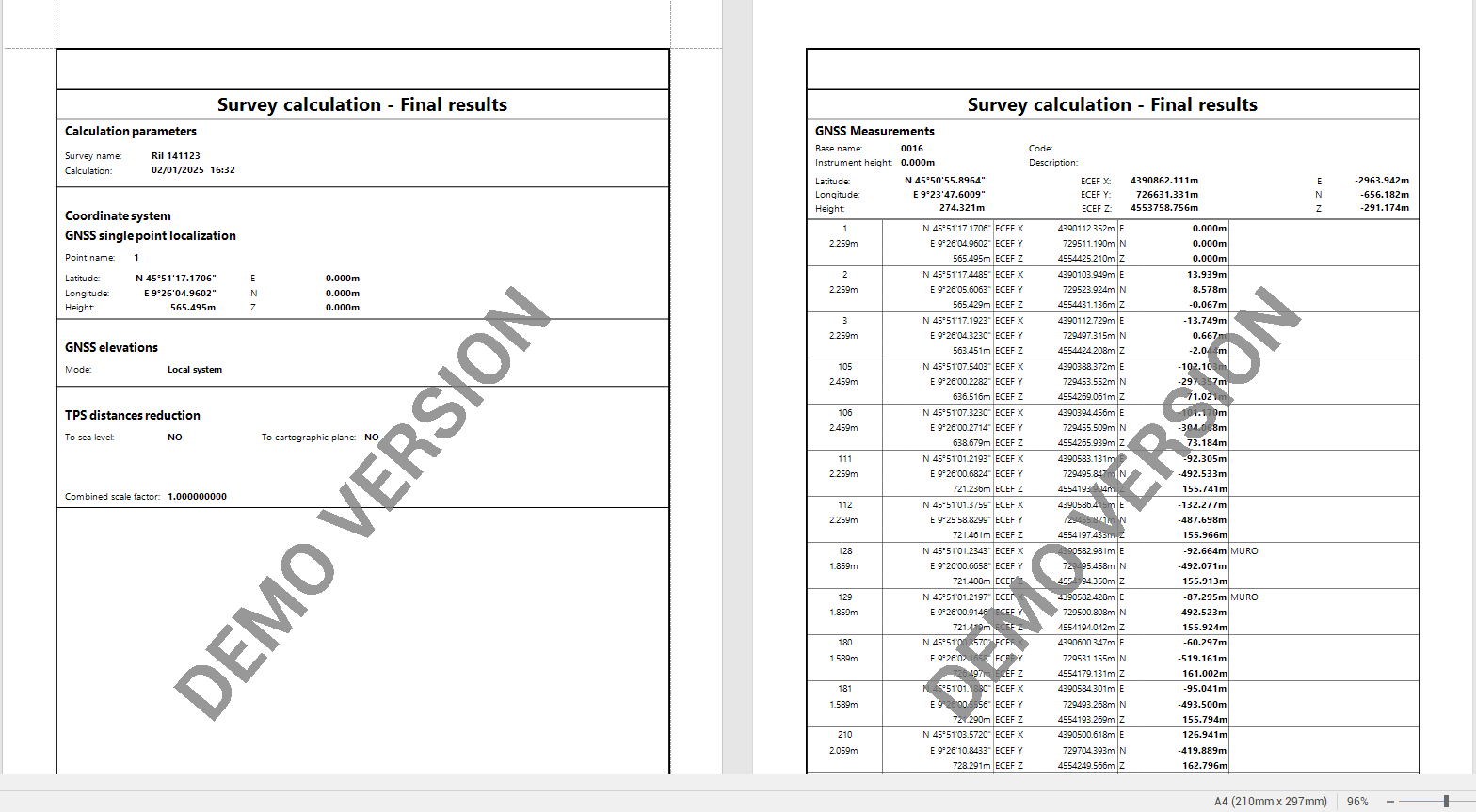
Click Report to save a calculation report.
-
Click Close to close the window.