
-
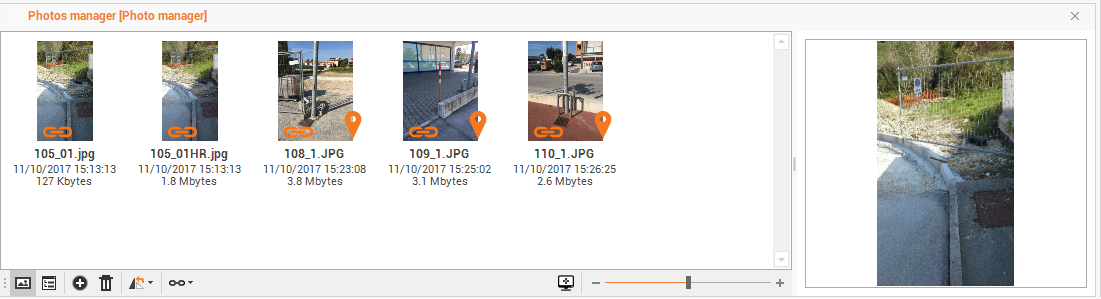
X-Pad Office Fusion allows you to manage the survey subproject photos linked to the points.
-
Click Survey.
-
Click Photos manager.

-
The command opens a table.
-
The following commands are available:
-
Preview

-
Details

-
Add photos

-
Delete photos

-
Rotate photos

-
Link photos to points

-
-
You can connect your photos to the survey subproject with the command in the bottom bar in an automatic or manual manner with different options.
-
Link manually from list: to associate the selected photo to one of the points in the table of topographic points or of the reference points.
-
Link manually from CAD: to select in the CAD window the point to associate the selected photo.
-
Link automatically by date and time: to link all photos of the survey subproject using the date and time information.
-
Link automatically by GNSS position: to links all photos of the survey subproject using the GNSS position information.
-
-
After the image has been linked it appears on the image preview the following icon

-
After the image was related to one of the two options on the image preview the following icon appears
