-
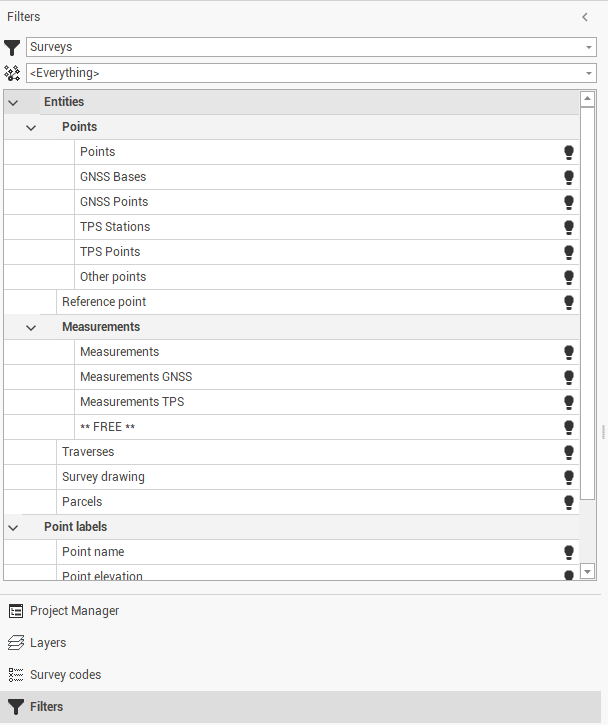
Access the display filter management from the left lateral panel.
-
Show or hide entities in a selective way. Entities to be shown or hidden can be filtered depending on the belonging and type of subproject.
-
In the Filters selection, select the type of subproject (survey, surface, drawing, section group or flight session) and the specific Subproject. Selecting <Everything> the filter selection applies to all the subprojects.
-
In the table below select the entities to show or hide from CAD view.