
-
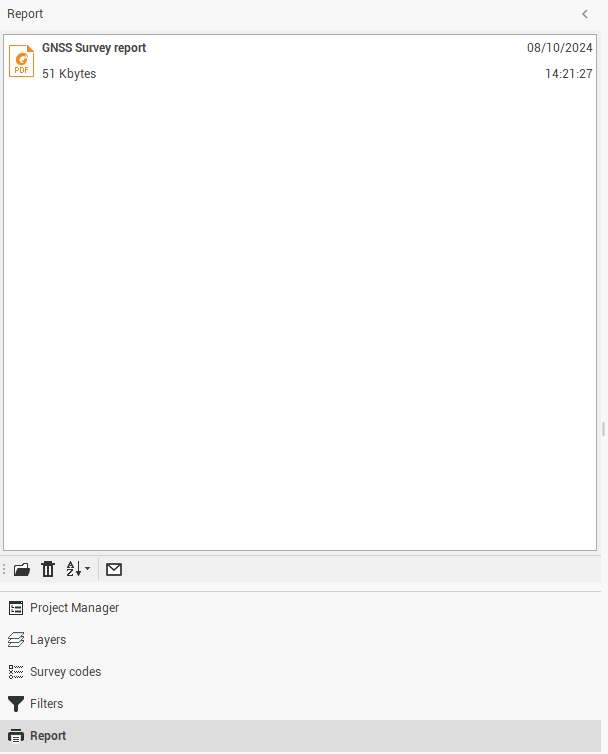
Access archived reports from the left lateral panel.
-
The software saves stored reports in the Report folder in the save path of the program projects.
-
Available icons and commands:
-
Open file path

-
Delete file

-
Sort

-
Send by email

-