-
Each entity has specific properties.
-
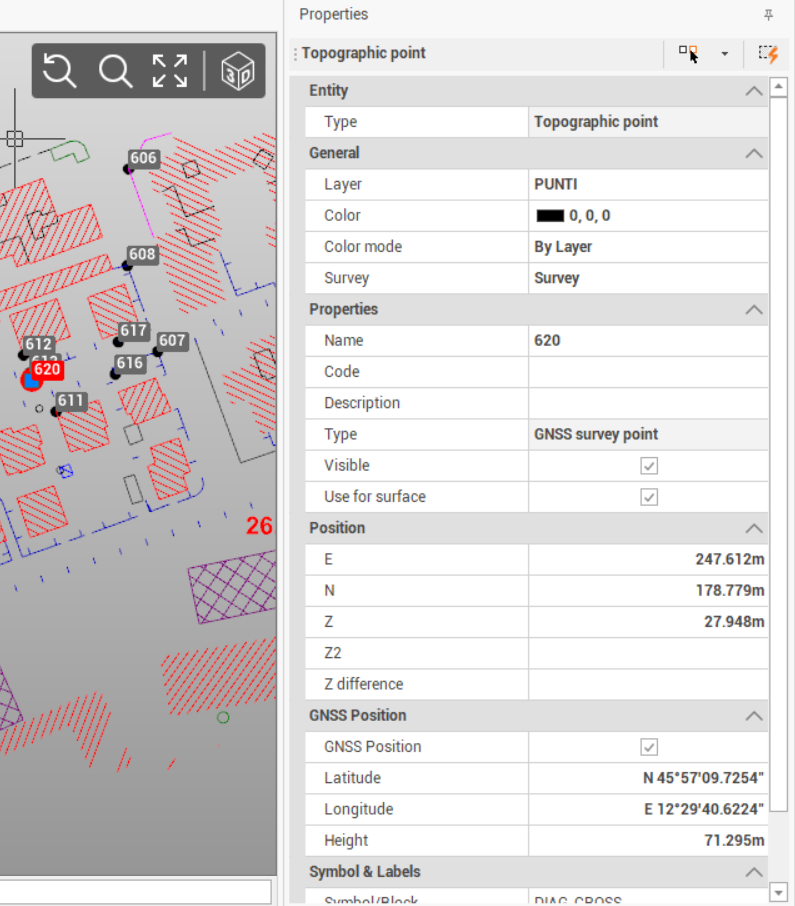
Selecting an entity in CAD (for example a point, a line, a surface, etc..) it is possible to visualize its properties in the Properties panel.
-
The Properties panel visualizes all the selected entity properties. It is possible to edit the properties directly in the panel.
-
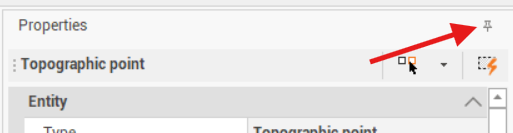
It is possible to automatically hide the Properties panel clicking Auto Hide icon.