
-
Quick Survey is a surveying application, immediately ready for measuring, without necessarily any pre-settings or setup.
All the measured points will be stored in the current job. The instrument uses latest orientation information.
-
From the main page, select 1.Q-Survey.
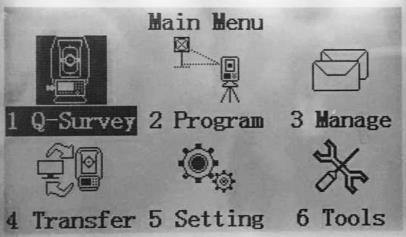
-
To start the survey, follow these steps:
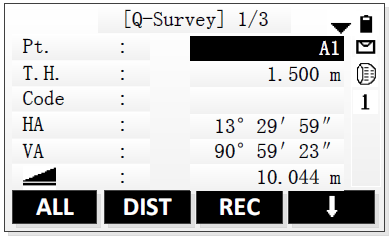
-
Enter a point ID and the target height.
-
if needed, enter a code.
-
Aim at the target point.
-
to start measuring and save the measured values, press ALL or DIST+REC.
-
repeat the previous steps to measure another point.
-
to exit the application, press

-