-
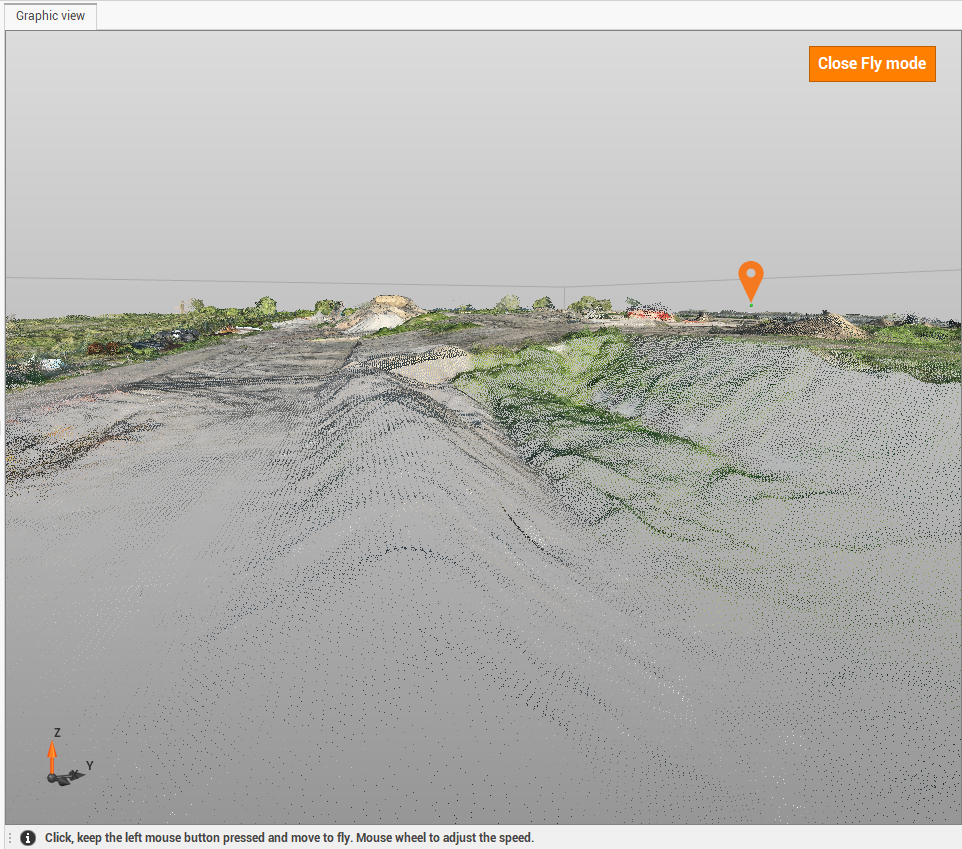
Activates the fly navigation mode.
This view mode is useful when working with point cloud data, allowing you to navigate through the point cloud
-
Click View.
-
Click Fly mode.

-
To explore, press and hold the left mouse button and move the mouse in the desired direction. The navigation speed can be adjusted with the mouse wheel.