
-
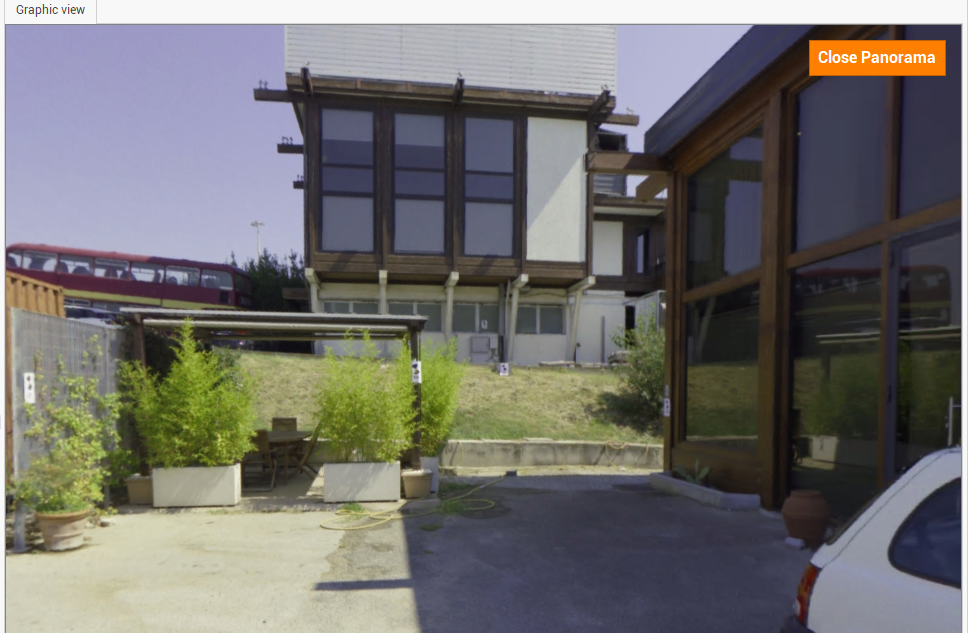
Panorama view sets the viewer to work in panorama mode when point cloud is available.
-
Click View.
-
Click Panorama.

-
This fixes the point of view to the center of the point cloud; it is possible to rotate the view and zoom in or out.