
-
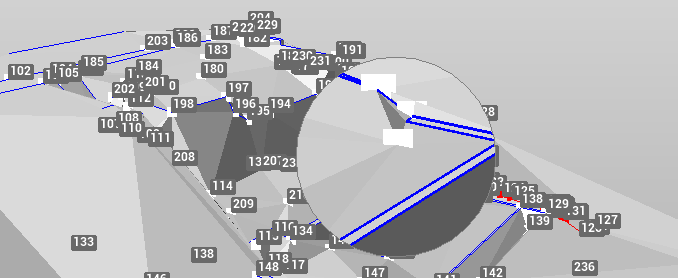
The Magnifier tool allows to zoom in on the area under the cursor position.
-
Click View.
-
Click Magnifier to activate the magnifier tool.

-
Move the mouse cursor over the graphic view to zoom in.
-
Click again on the same tool to disable the magnifier tool.