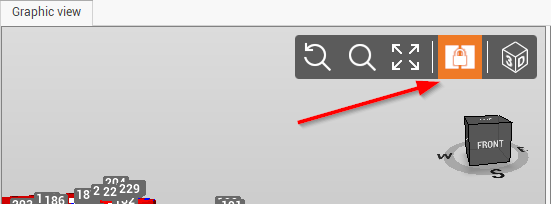
-
Second viewport command turns on or off a second view that is independent of the first one.
-
The second view does not display the point cloud data. This allows for example to have a 2D view of the elements and another view in 3D.
-
Click View.
-
Click Second viewport.

-
The graphic view is divided in two views. Each view can be independently moved, rotated or zoomed.
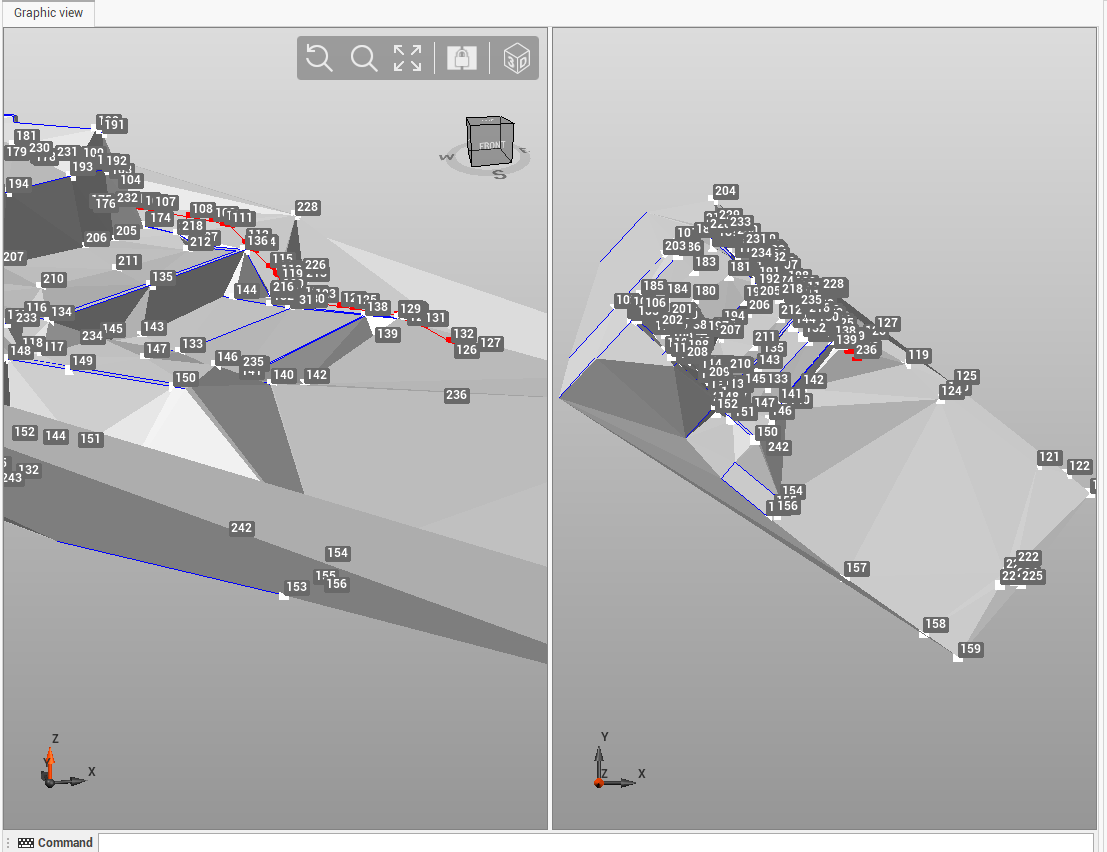
-
Click Link viewport, to link the two views. Any movement, zooming or rotation in a view, will be mirrored in the other view.