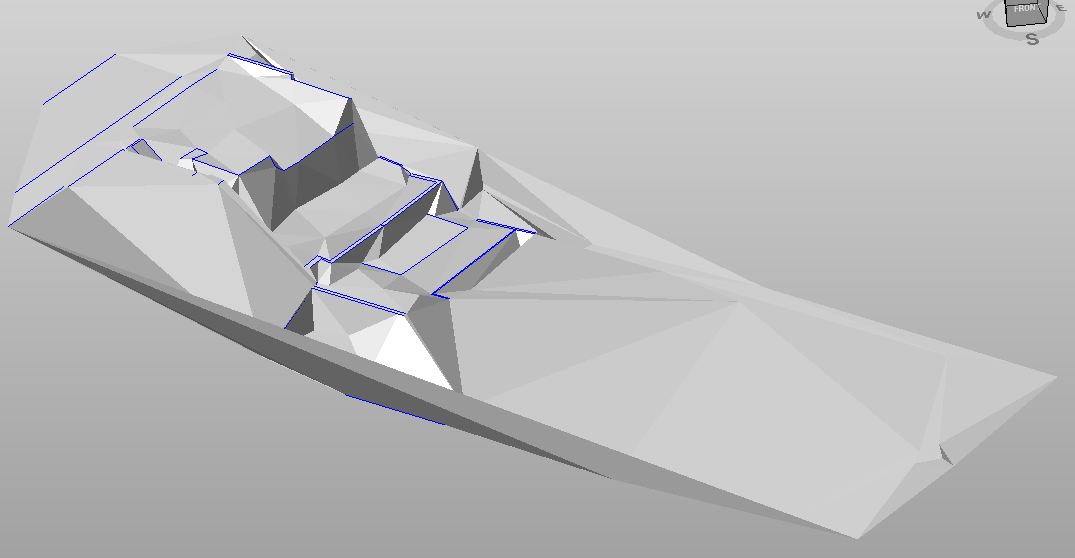
-
Manages different viewing modes of surfaces.
-
Click View.
-
Click Wireframe to display only the sides of the triangles of the active surface subproject.

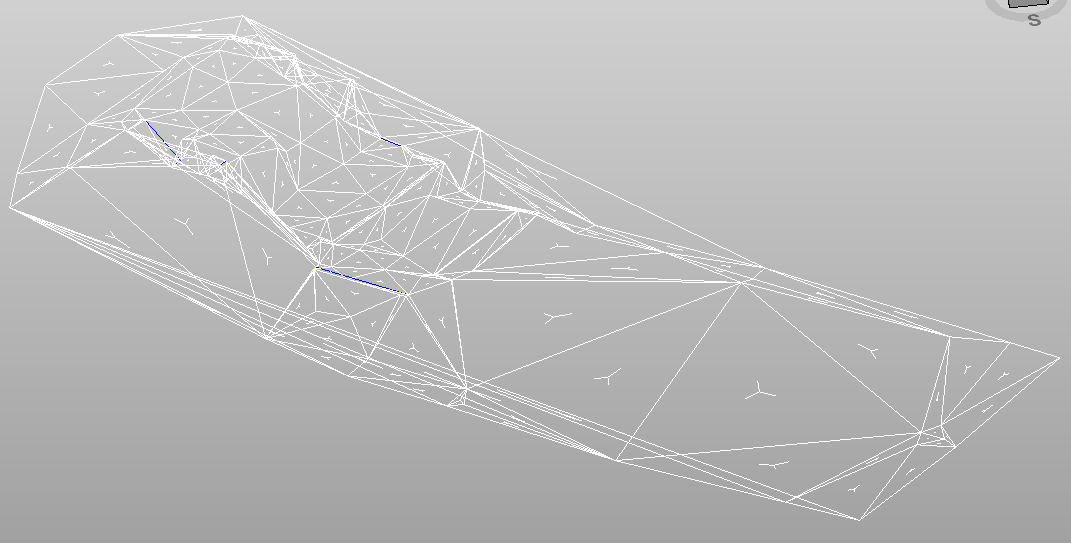
-
Click Hidden lines to display surfaces but hiding the non-visible sides.

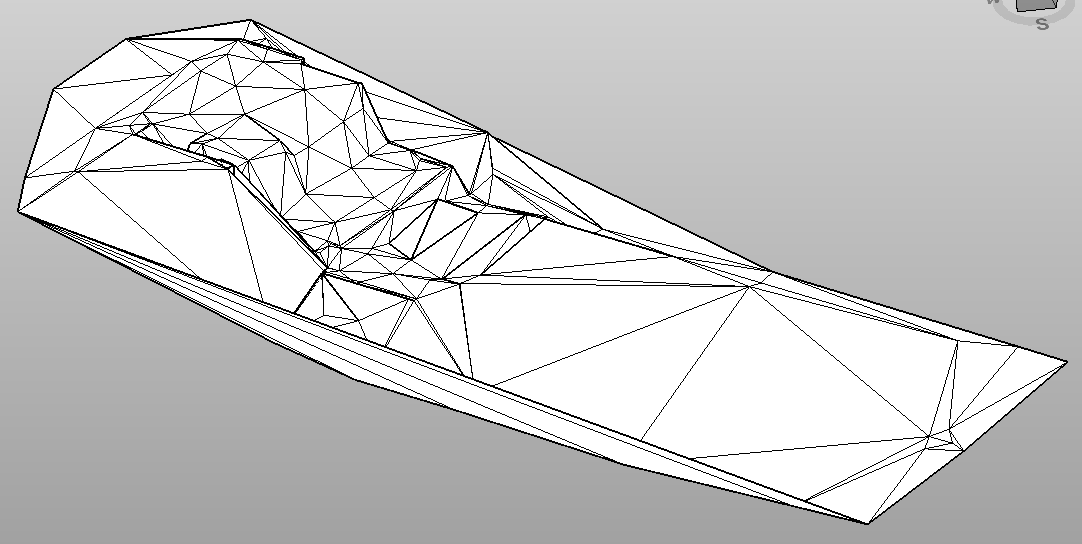
-
Click Surface to display the surfaces with the corresponding fill (fixed color or by elevation).