-
In this section are available sample jobs that can be downloaded and copied in the controller.
-
To install the Site with sample jobs download the folder Demo.site.zip
-
Unzip the folder on your computer.
-
Copy the unzipped folder Demo.site in Android field controller in Internal memory/X-PAD folder

-
Start the software and open Site called Demo.
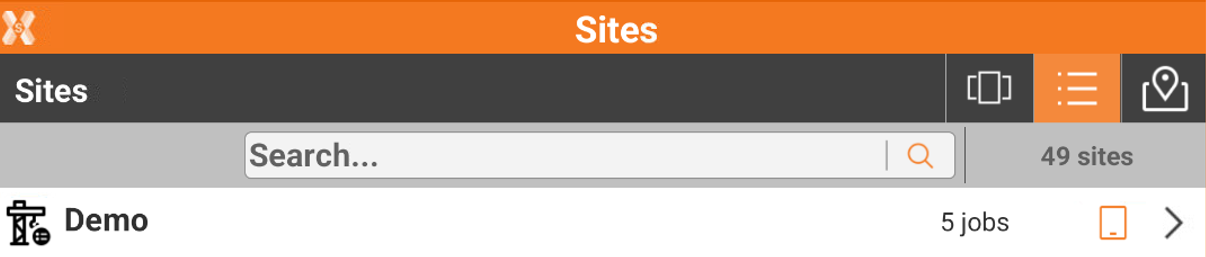
Sample jobs can be used with instrument simulator or real instrument.
Survey demo job



-
The Survey job can be used to demonstrate the survey/stakeout visualization and CAD.
-
Depending on the instrument used, it is necessary to locate the instrument on the data.
-
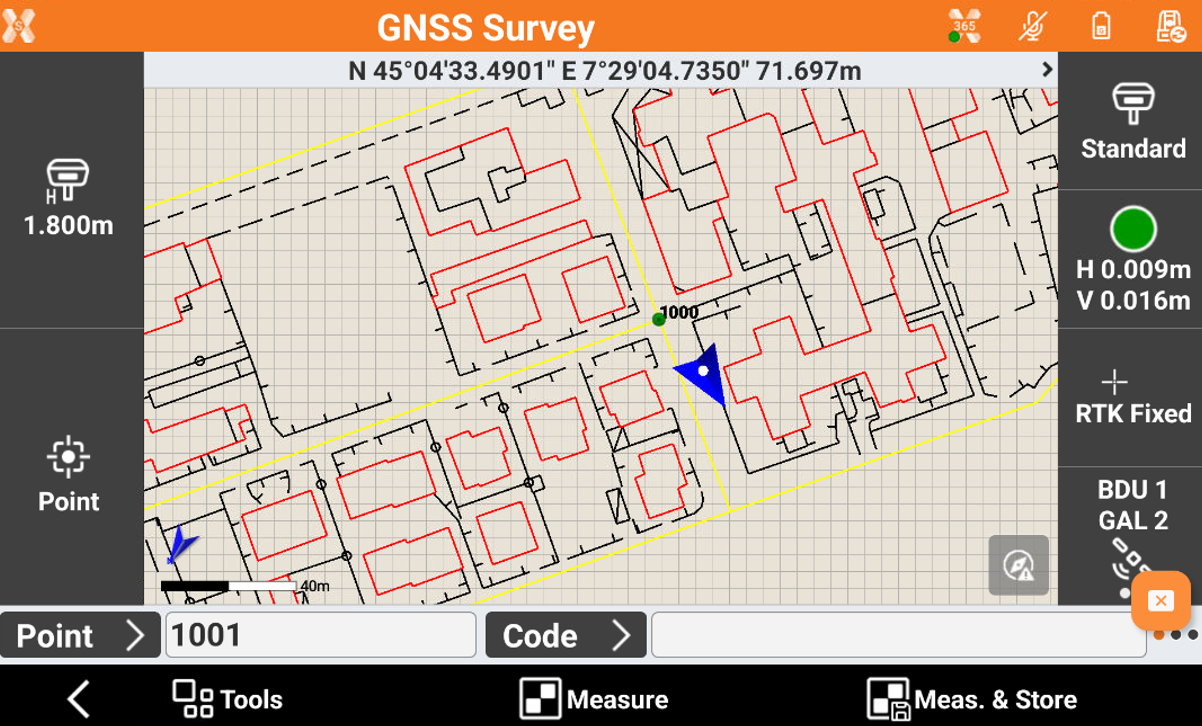
GNSS: perform a local system single point calibration to calibrate the GNSS simulator on CAD data. The local point 1000 can be used for the localization.
-
TPS: perform a TPS orientation for example using the point 1000 as station.
-
-
In Survey -> Survey point, you can open the Survey page and change the different visualizations.
-
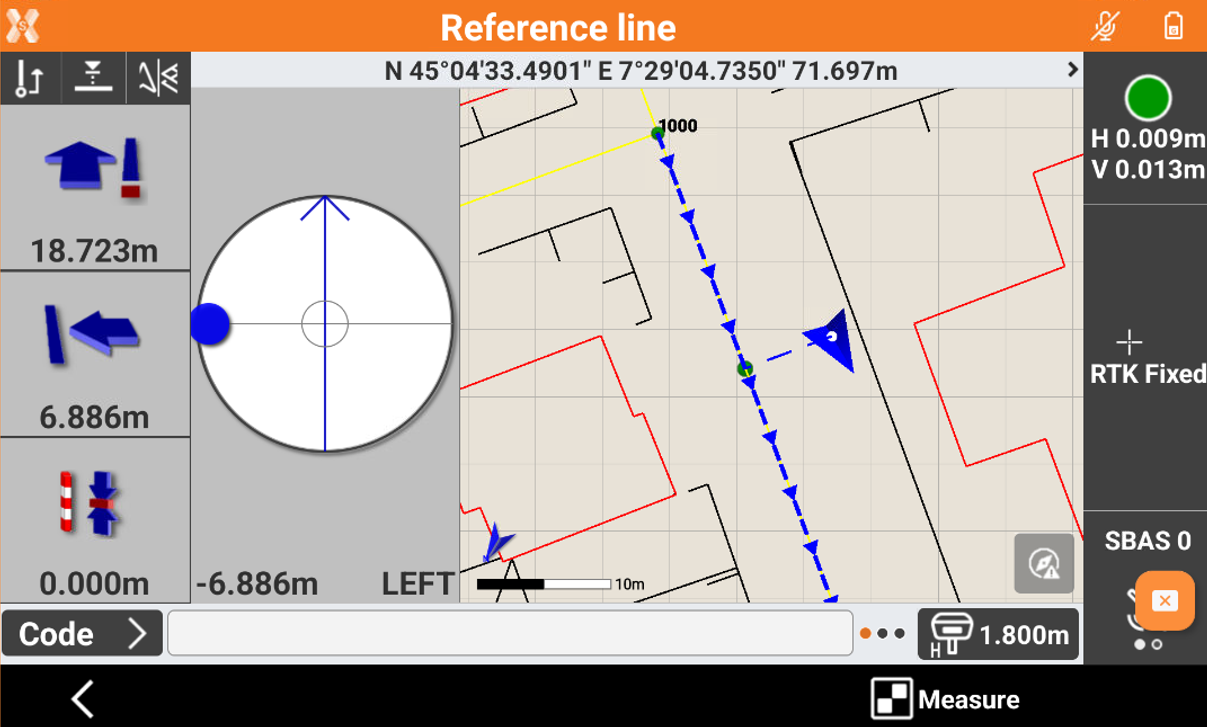
This project can be also used to demo stakeout. You can move back to main menu and select a Stakeout function (point, lines, etc..) from the Stakeout menu.
Road demo job
For the related functionalities refer to Roading.
-
In this project the road data is already loaded from a LandXML file.
-
A local point 100 has been already created (it is visible opening the CAD). This topographic point can be used for localizing the GPS or the TOTAL STATION on the project for the demo.
-
Depending on the instrument used, it is necessary to locate the instrument on the data.
-
GNSS: perform a local system single point calibration to calibrate the GNSS simulator on CAD data. The local point 100 can be used for the localization.
-
TPS: perform a TPS orientation for example using the point 100 as station.
-
-
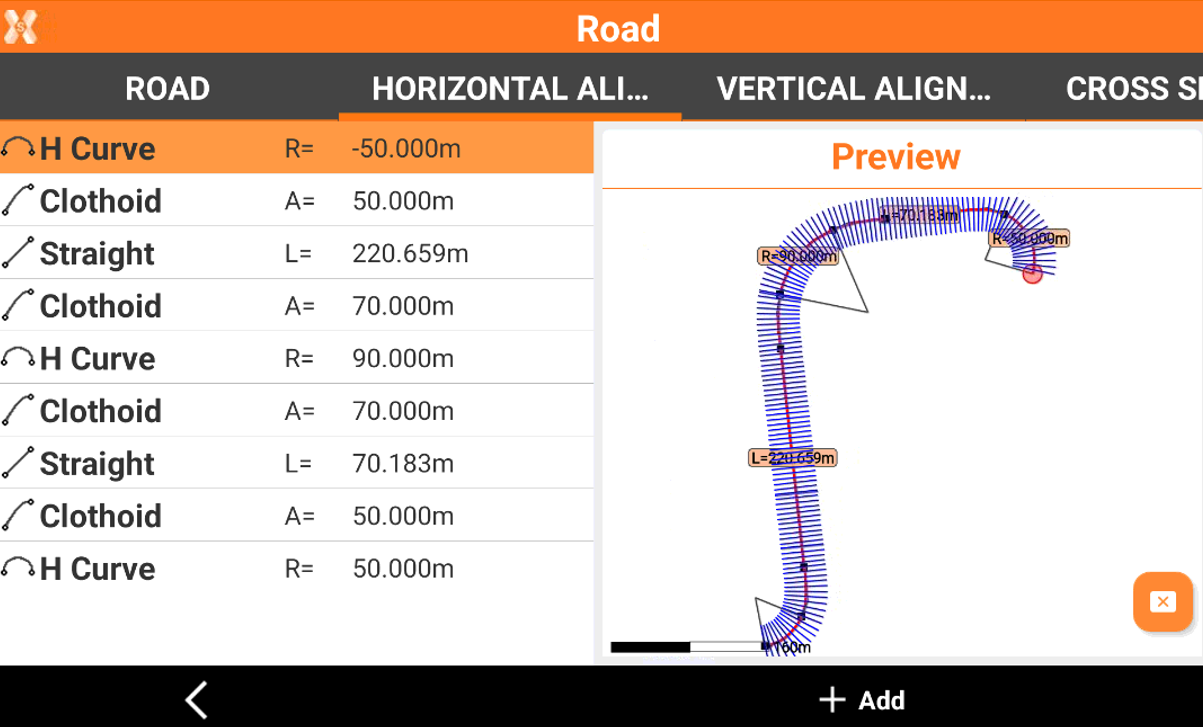
You can click on Roads -> Road Manager to visualize the horizontal alignment, the vertical alignment and the cross sections.
-
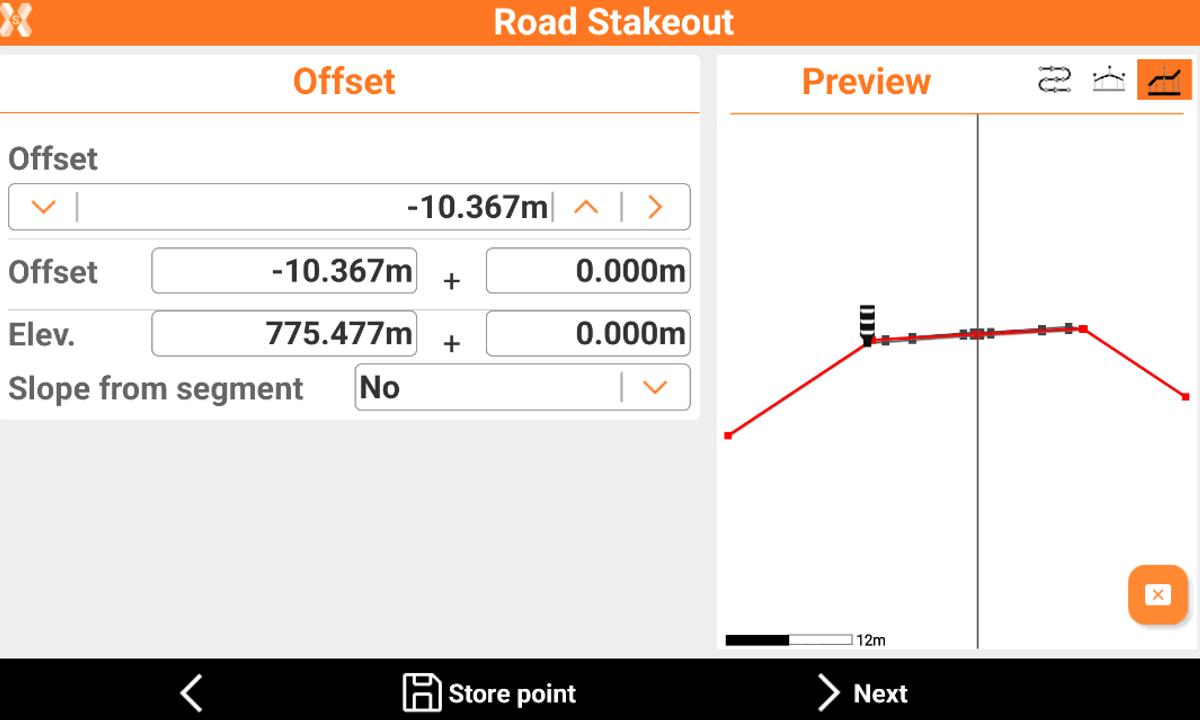
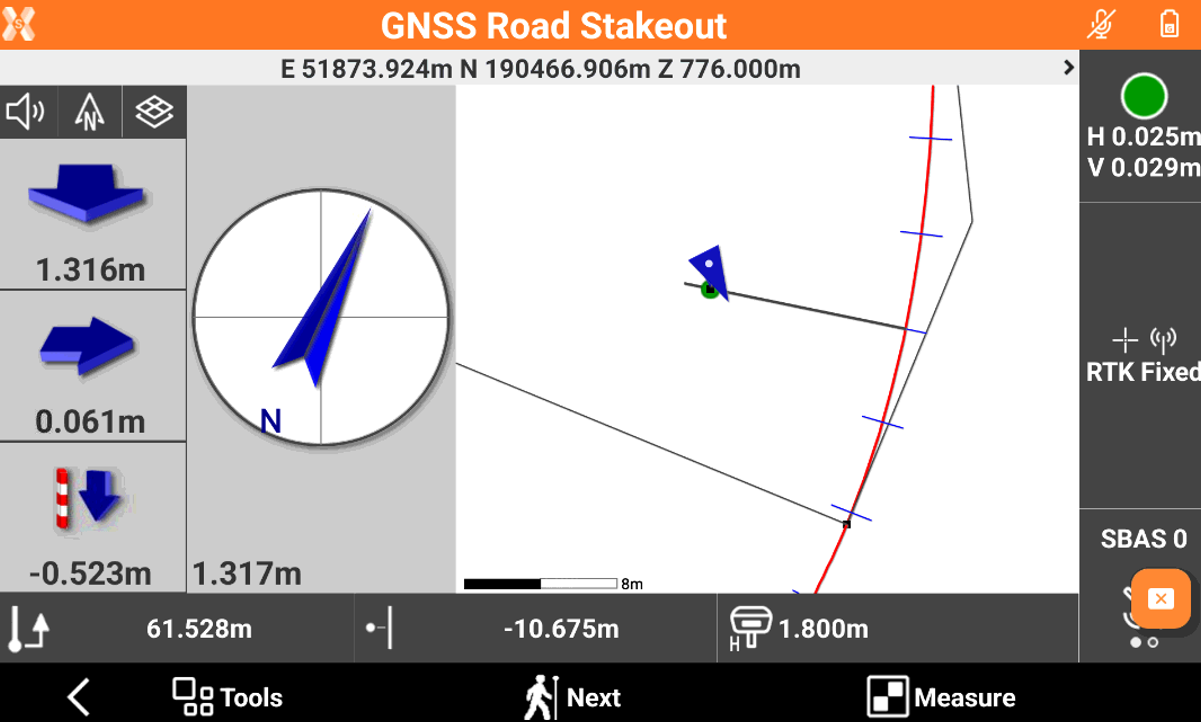
Then you can open Road stakeout function and stakeout the road design(if you used the point 100 for the orientation is suggested to stakeout station 60-70 meters).
-
Refer to road stakeout function to see the different options.
-
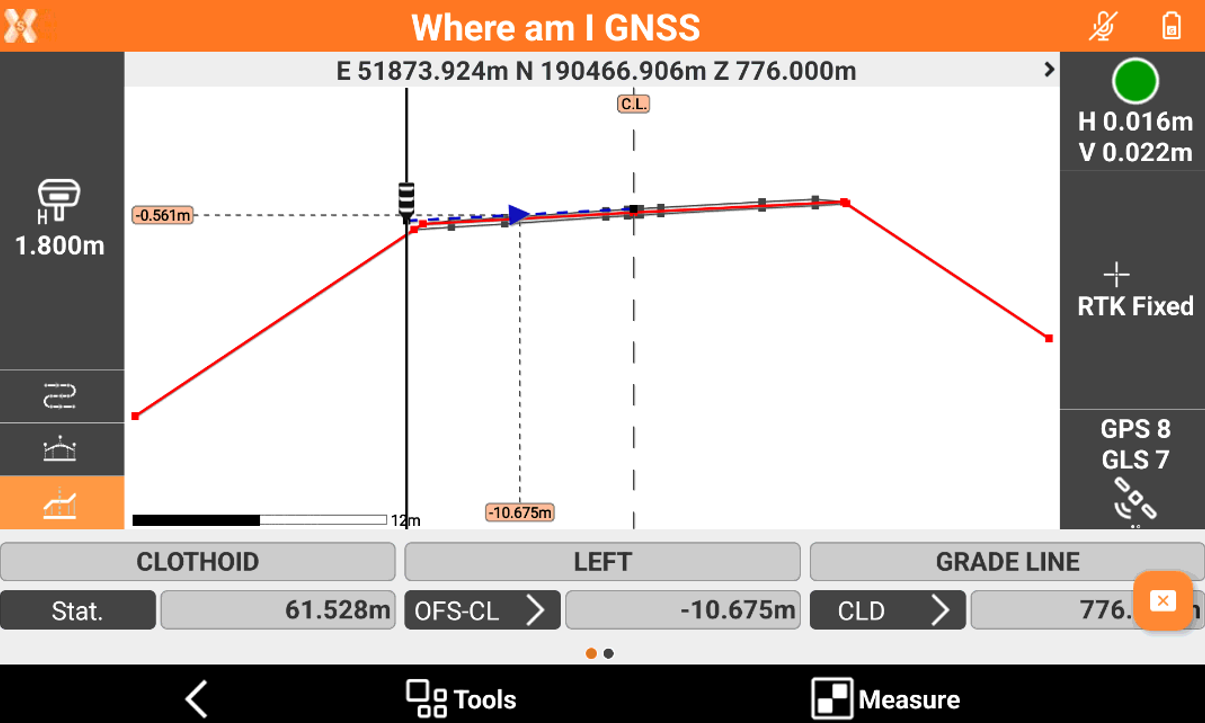
Also other functionalities as Where am I? and Sideslope stakeout can be tested on the job.
Surface demo job
For the related functionalities refer to Surface and Volume.
-
In this project the goal is to show the creation of a surface and perform different volume calculations, including a volume calculation between 2 surfaces.
-
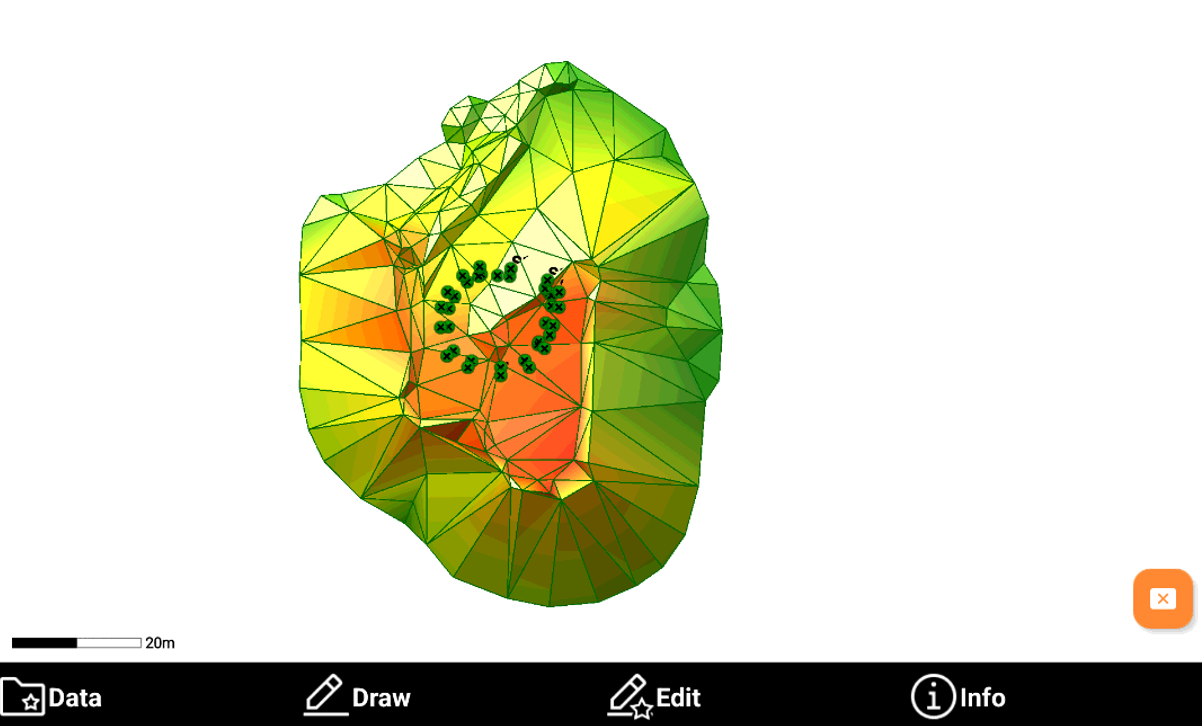
This demo project includes an already imported DTM and a set of topographic points that we can use to build the second surface.
-
Open the CAD to visualize the DTM in 3D. It is possible to perform operations on this surface such as generate a report, contour lines, generate reports or calculate volumes.
-
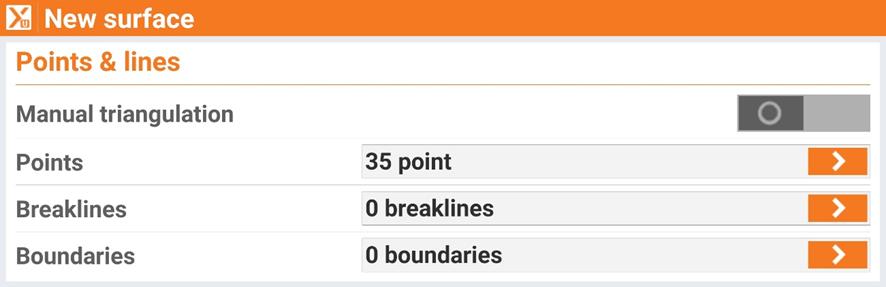
To create the second surface (that represents points measured after an excavation on the original surface) we can create a new surface from Surface -> Add selecting all the topographic points in the database.
-
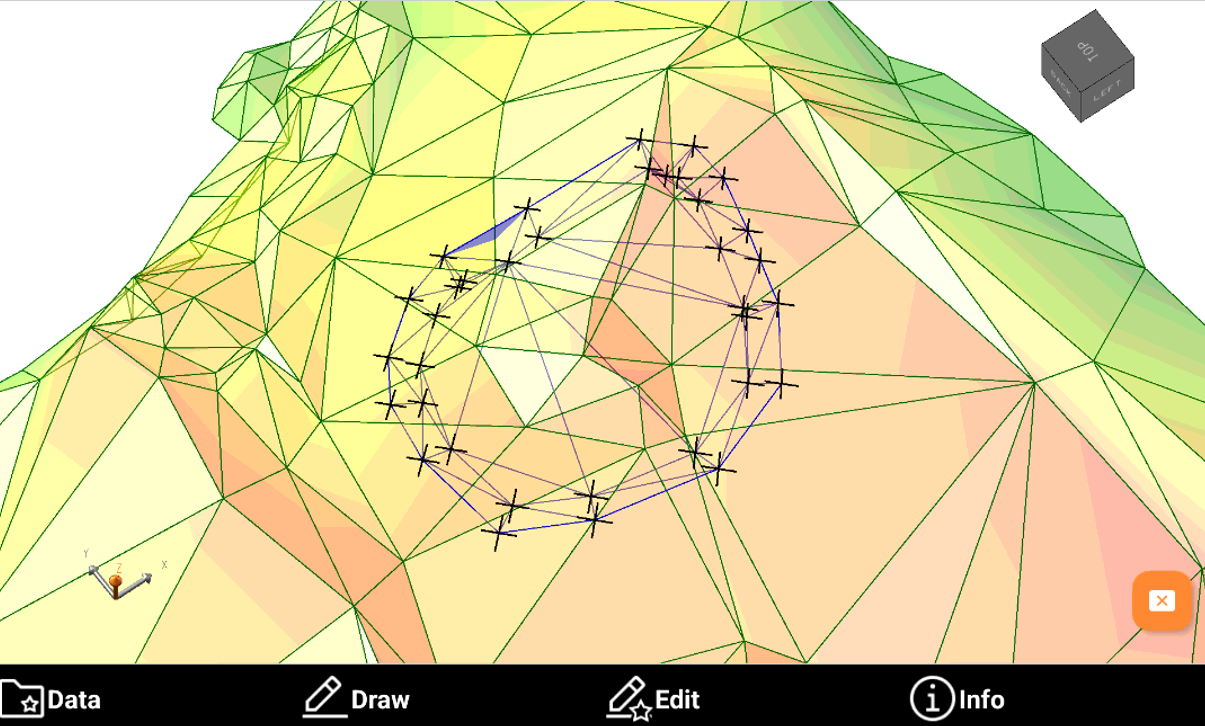
The new surface represents an excavation from the original DTM. Note that the second surface is under the original surface, so you have to switch to 3D and rotate the model in order to fully visualize the 2 surfaces or use surface transparency.
-
Now we can use this new surface to calculate volume between 2 surfaces.
-
In addition we can use this job to test Stakeout surface function.
-
Depending on the instrument used, it is necessary to locate the instrument on the data.
-
GNSS: perform a local system single point calibration to calibrate the GNSS simulator on CAD data. The local points already available in CAD can be used for the localization.
-
TPS: perform a TPS orientation for example using the point one of the CAD points as station.
-
BIM demo job
For the related functionalities refer to Load an IFC document, BIM management and BIM tools.
-
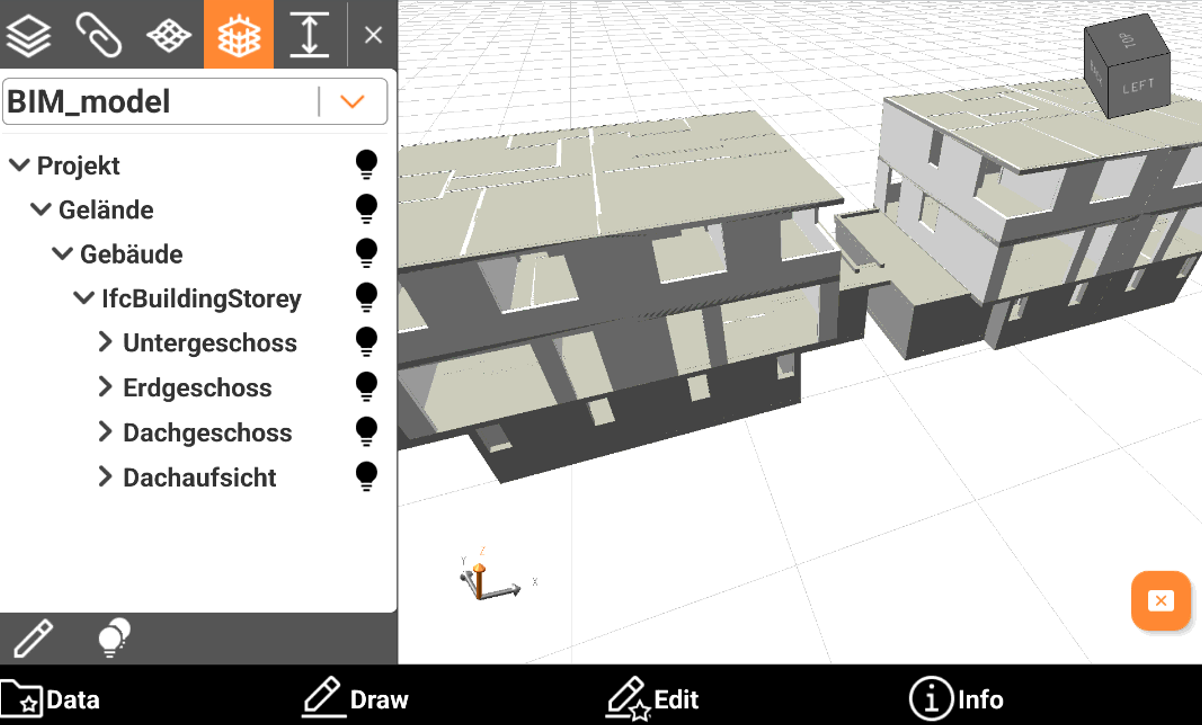
In this job, it is possible to use an imported IFC file to use the functions for the BIM models.
-
The BIM model is already loaded as external reference, but if you cannot see it correctly check the link in Job -> External references.

-
In case file is not correctly linked, click on the model and then link to correctly link the file BIM_model.ifc that is located in the Demo.site folder.
-
Open CAD to display the BIM mode.
-
From CAD it is possible to use BIM tools to perform different operations.
Bathymetry demo job
For the related functionalities refer to Bathymetric survey.
-
This job includes a bathymetric survey with already performed sessions.
-
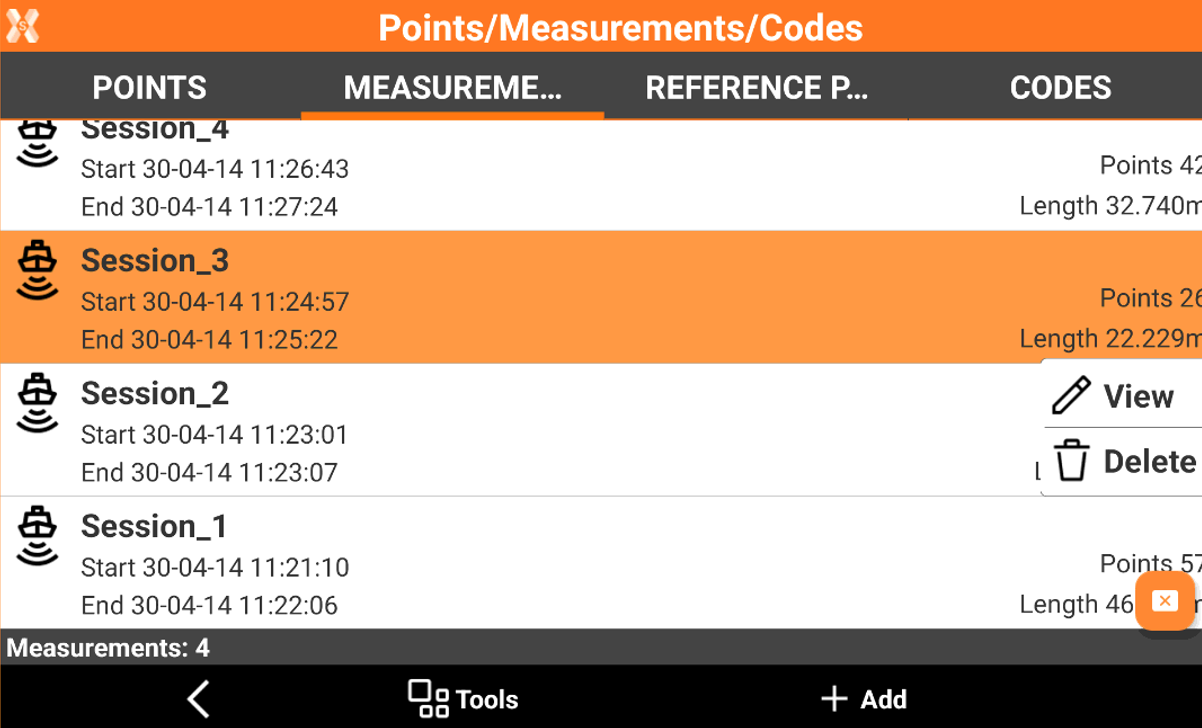
To open the sessions click Points, Measurements and Codes and open Measurements page.
-
Select a session to visualize it.