
-
The selection tools has a feature that allows to automatically select all the features that share the same properties of the selected objects.
-
It is possible to define which properties should be analyzed to determine whether an object is considered “similar“ to the selected object.
Select similar entities from Quick select tool
-
Select an entity in the graphic window.
-
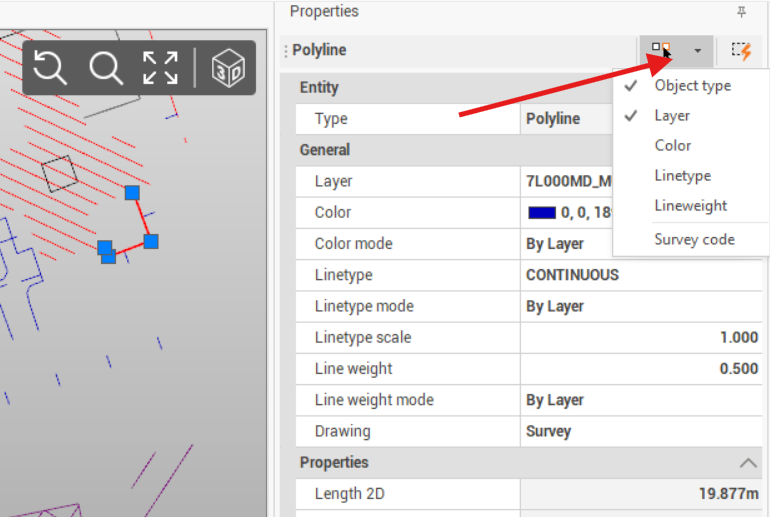
Click on Quick select tool and select the similar properties to consider for the selection.
-
Object type: selects similar entities based on object type (for example topographic point, line, polyline, etc..)
-
Layer: selects similar entities with same layer.
-
Color: selects similar entities with same color.
-
Linetype: selects similar entities with same linetype.
-
Lineweight: selects similar entities with same lineweight.
-
Survey code: selects similar entities with same survey code.
-
-
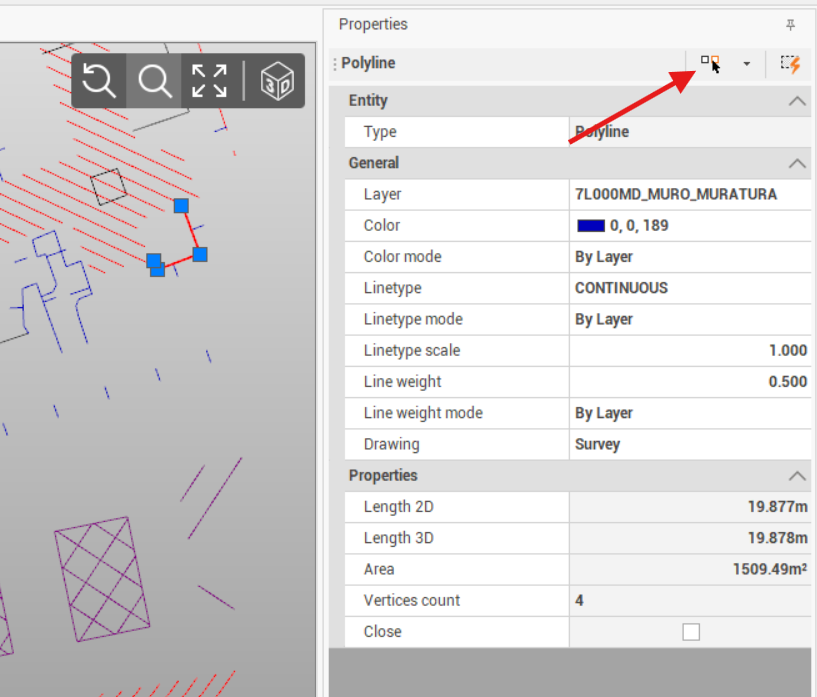
Click Select similar entities to select all similar entities in the graphic view.
-
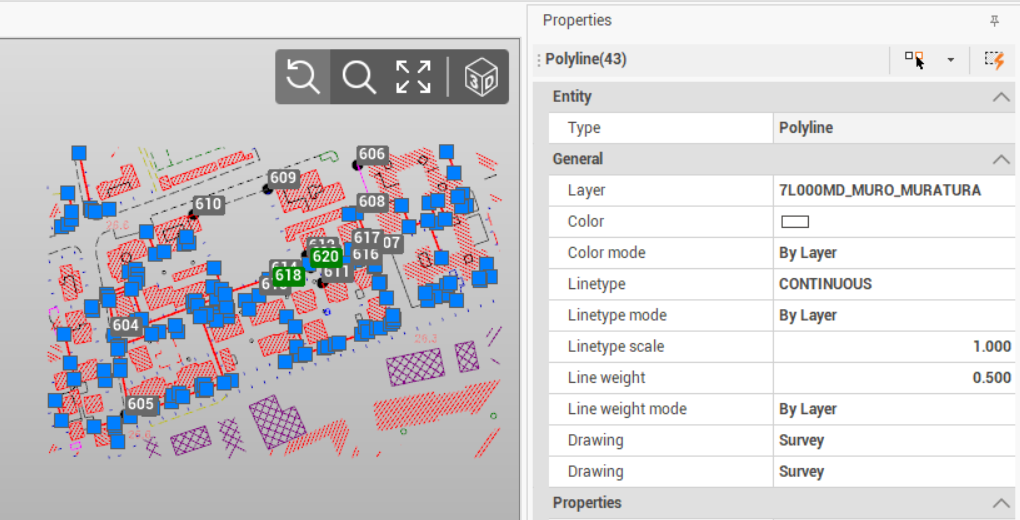
All entities in the graphic window with same properties are selected.
Select similar entities from graphic view
-
Select an entity in the graphic window.
-
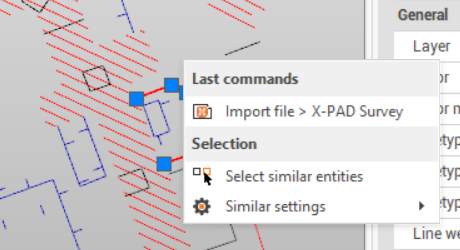
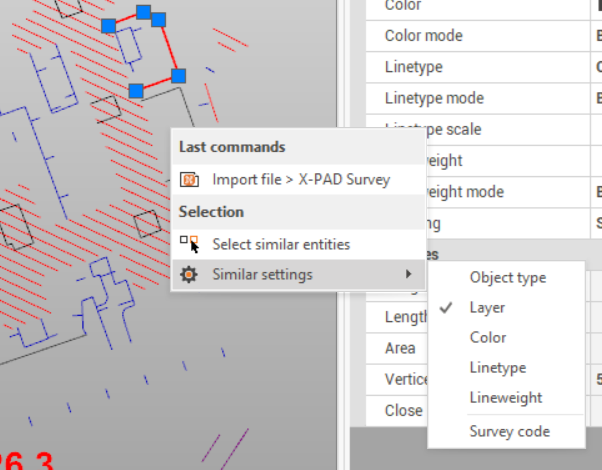
Right-click to open the context menu.
-
Click Similar settings and select the similar properties to consider for the selection.
-
Object type: selects similar entities based on object type (for example topographic point, line, polyline, etc..)
-
Layer: selects similar entities with same layer.
-
Color: selects similar entities with same color.
-
Linetype: selects similar entities with same linetype.
-
Lineweight: selects similar entities with same lineweight.
-
Survey code: selects similar entities with same survey code.
-
-
Click Select similar entities to select all similar entities in the graphic view.