-
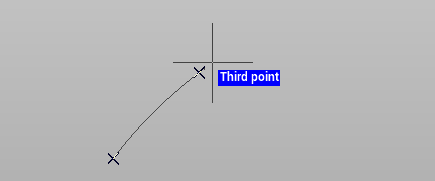
The command Arc is used to draw an arc by 3 points.
-
Click Draw.
-
Click Arc.

-
You can select to draw an arc by 3 points in 3D or horizontal (the elevation is the elevation of the first point).
-
On the graphic area click to create the three points and define the arc.
-
First point indicates the beginning of the arc.
-
Second point is a point on the circumference.
-
Third point is the end of the arc.
-