-
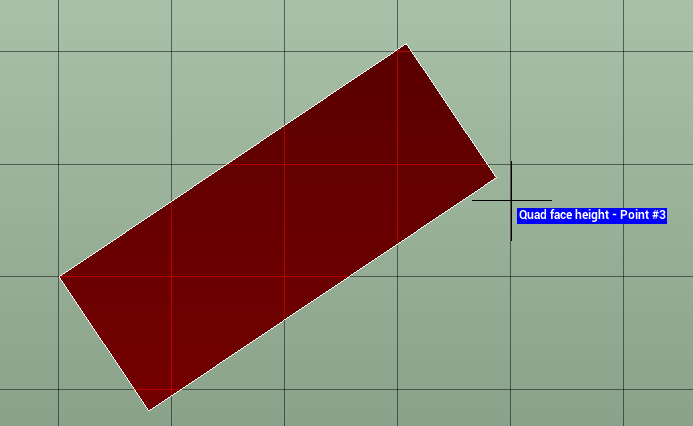
Use the command Face to draw an horizontal, vertical or sloped quadrilateral face.
-
Click Draw.
-
Click Face.

-
Select from drop-down menu the face type:
-
Face horizontal: creates an horizontal quadrilateral face specifying width and height.
-
Face vertical: creates a vertical quadrilateral face specifying direction, width and height.
-
Face by 3 points: creates a sloped quadrilateral face passing by 3 points.
-
-
Follow the on-screen instructions to draw the face, depending on the selected mode.