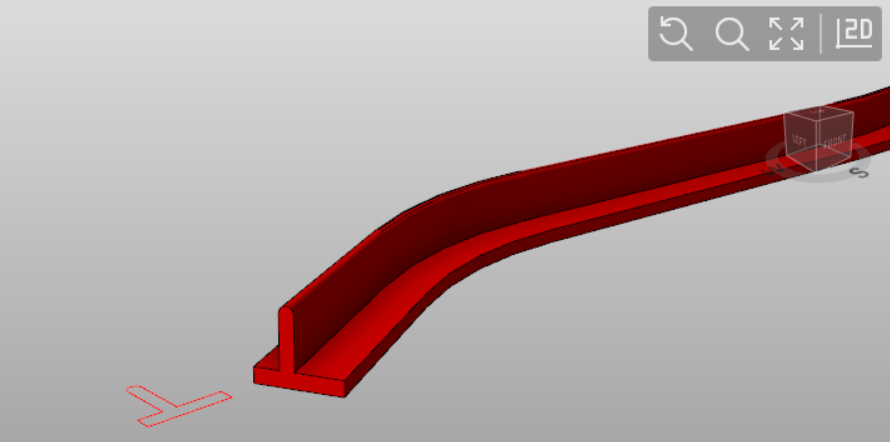
-
Any drawing object or block can be extruded along a reference 3D polyline to create complex 3D elements such as wall, slopes, or sidewalks.
The drawing object or block to be extruded has to be on the XY plane.
-
Click Draw.
-
Click Extrude.

-
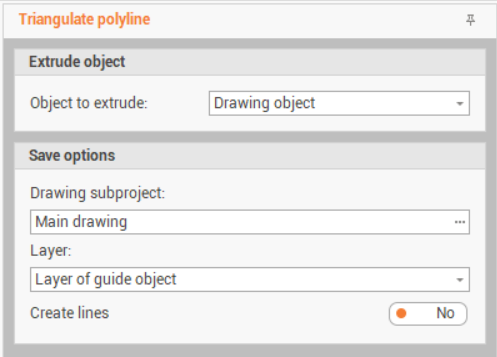
This command opens a new panel on the right.
-
Drawing subproject: the drawing subproject where to create the mesh.
-
Layer: the layer where the mesh is created.
-
Layer of guide object: the used layer is the layer of the guide polyline.
-
Layer of the object to extrude: the used layer is the layer of the object to extrude.
-
Other layer: allows to select a different layer.
-
-
Create lines: enables the creation of lines of the extruded object along the guide polyline direction.
-
-
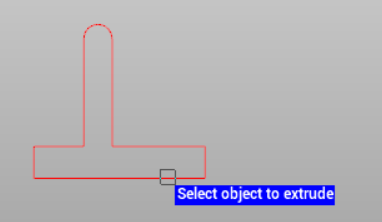
Select the object to extrude.
-
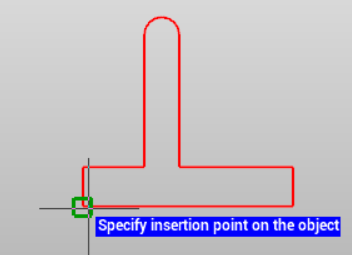
Specify the insertion point on the object.
-
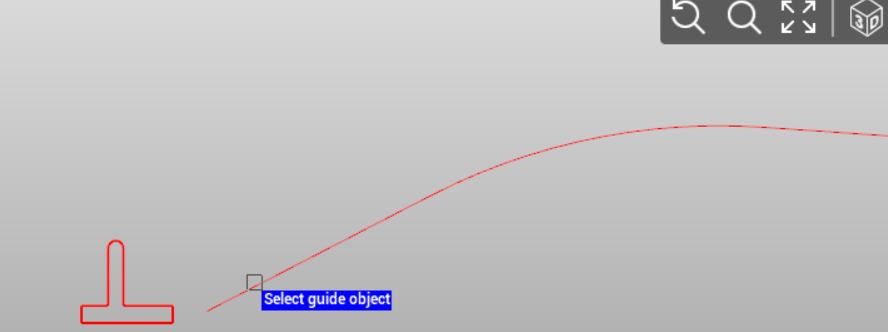
Select the guide object.
-
The object is extruded along the guide object.