
-
Use the command Line to draw a line.
-
Click Draw.
-
Click Line.
-
Click on graphic view to create the line. In the bottom bar of the graphic view you can activate/deactivate the object snap.
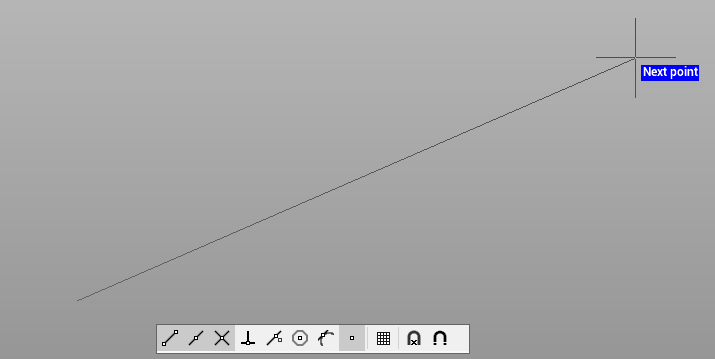
If the command Create point
-
The command have properties that are activated by right-clicking in the CAD window
-
Close
: allows to join the last vertex of the element drawn with the first. If the item was drawn by the polyline command, the option will create a closed polyline
-
Undo last point
: allows to delete the last vertex of the line or polyline.
-
Extend
: extends the object while keeping the same direction but using as a reference for extension length a reference point.
-
Intersection
: allows to extend the segment to the intersection with a reference direction.
-