-
The program can draw a circle using different options.
-
Click Draw.
-
Click Circle.

You can use the following insertion options:
-
Circle C+R: indicates the center and the radius to create the circle.
-
Diameter: indicates the center and the diameter to create the circle.
-
3 Points: indicates the 3 points that describe the circle.
-
2 Points: indicates the 2 extreme points of the diameter to create the circle.
-
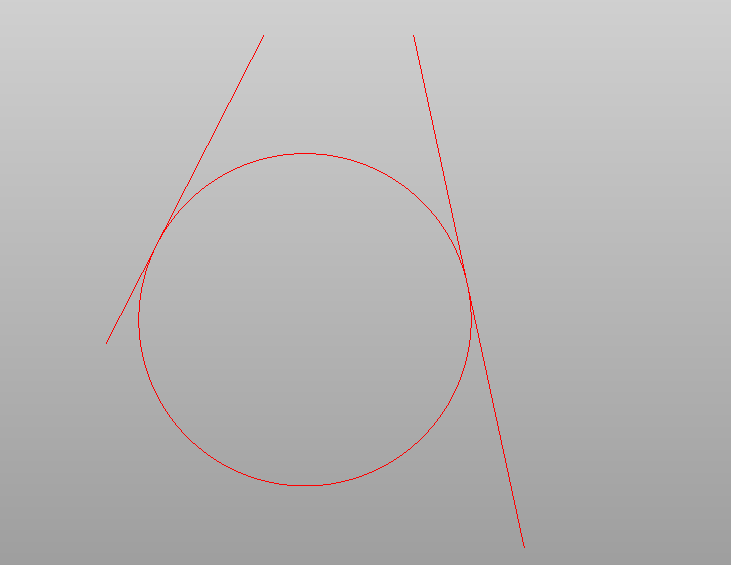
Tan-Tan-Radius: creates a circle selecting 2 tangent objects and the circle radius.
-
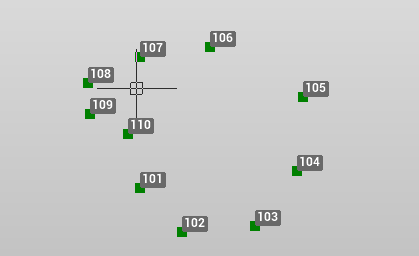
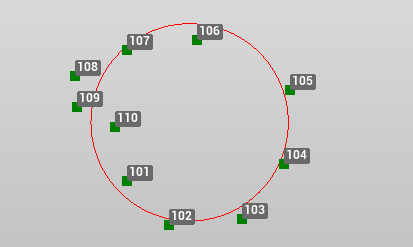
Fit circle: creates a circle that best fit the selected vertexes.