-
The option enables optimize the representation of topographic points and measurements according to the needs.
-
Click Draw.
-
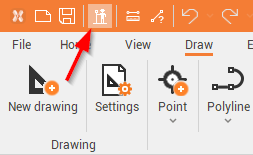
Click Working mode button to activate/deactivate the mode.
The Working mode can also be changed from top menu.
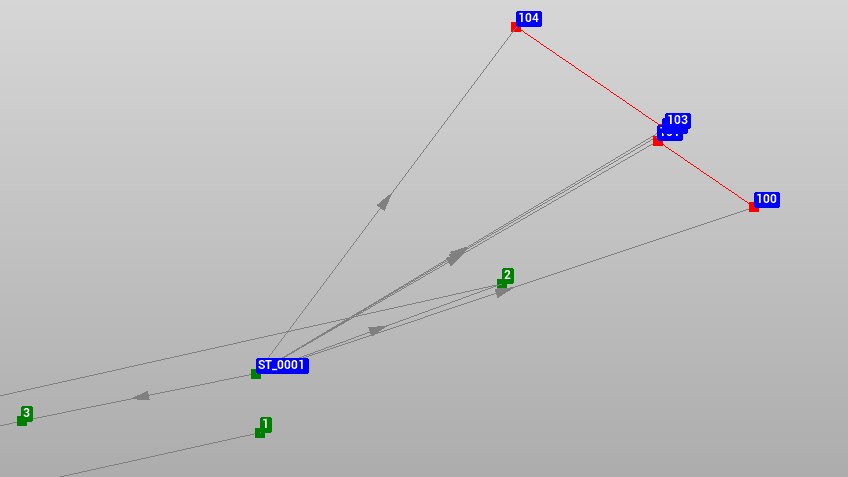
Mode activated
-
Topographic points are displayed with a label, which shows the name of the point.
-
The labels have a fixed size and are visible in all the conditions.
Mode deactivated
-
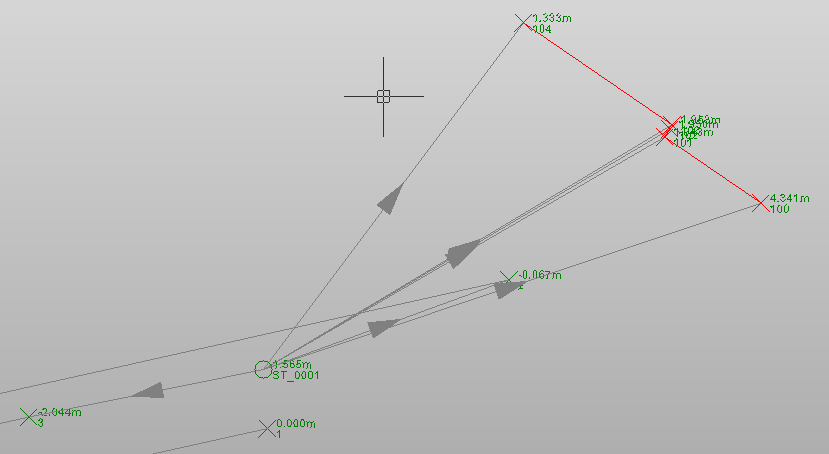
The topographic points are displayed with the symbol associated with the topographical points.
-
The size of the label and the direction arrow of the measurement is displayed according to the drawing scale.