
-
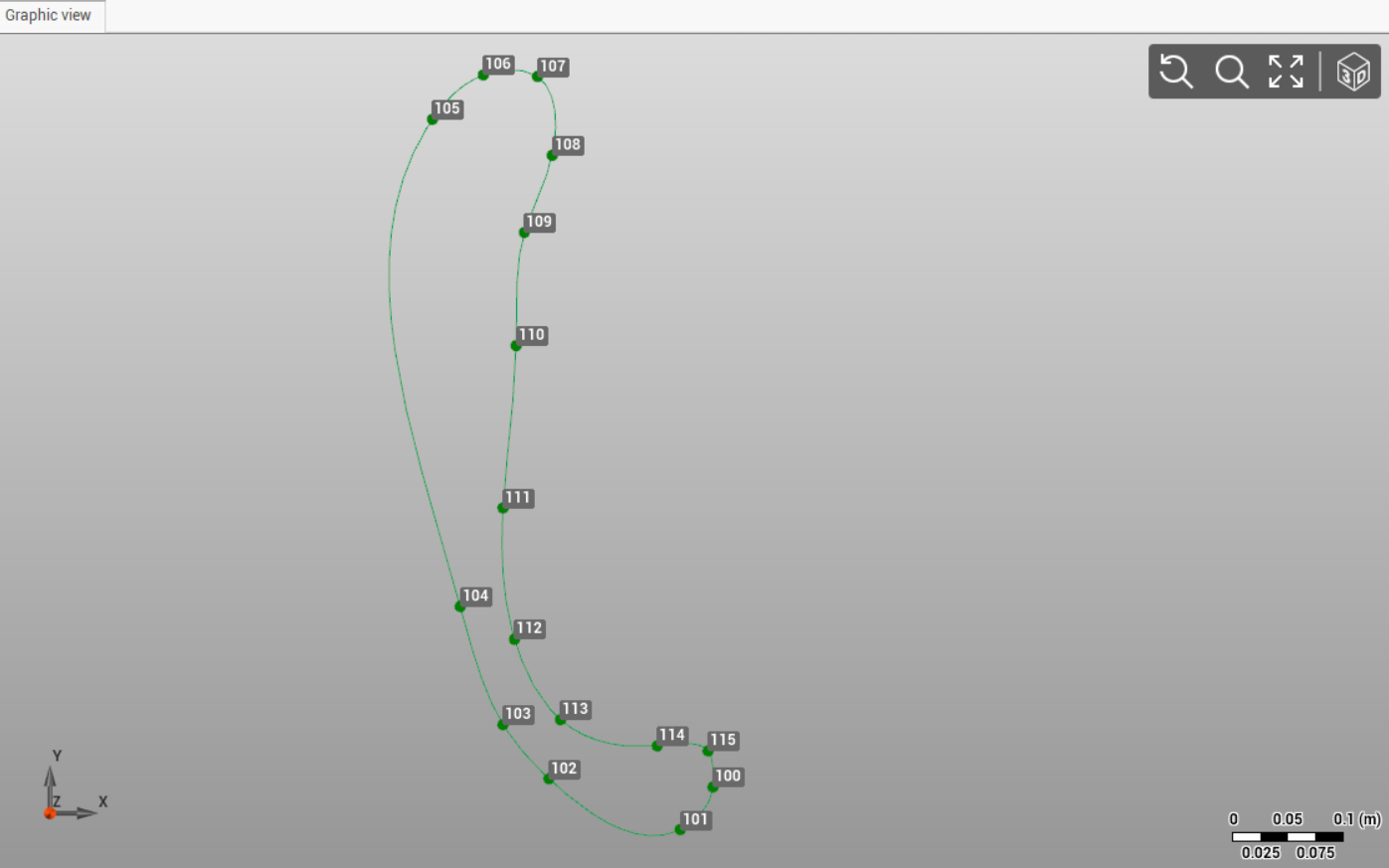
Use the command Spline to create spline elements by specifying passage points.
-
This enables the creation of better final drawings by connecting measured points.
-
Click Draw.
-
Click Line.

-
Click on graphic view to create the spline. In the bottom bar of the graphic view you can activate/deactivate the object snap.
If the command Create point 
-
The command have properties that are activated by right-clicking in the CAD window
-
Close

-
Undo last point

-