
This utility applies a raster image to a selected surface.
To select the raster map, this must be in the category Raster maps of the Project Manager.
-
Click Surface.
-
Click Tools to open the menu.

-
Click Apply raster map to surface.
-
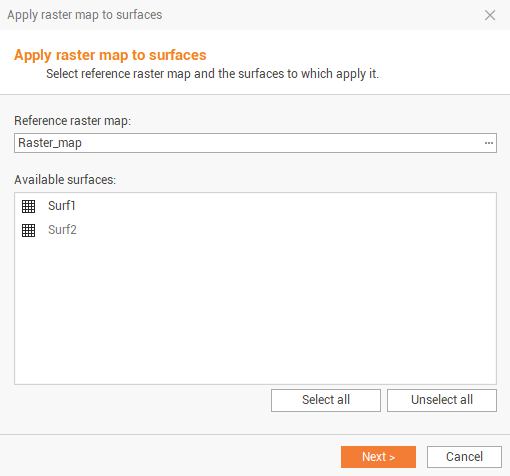
The command opens a new window.
-
Seelct the raster map to apply and the surface. Click Next to apply the raster map.