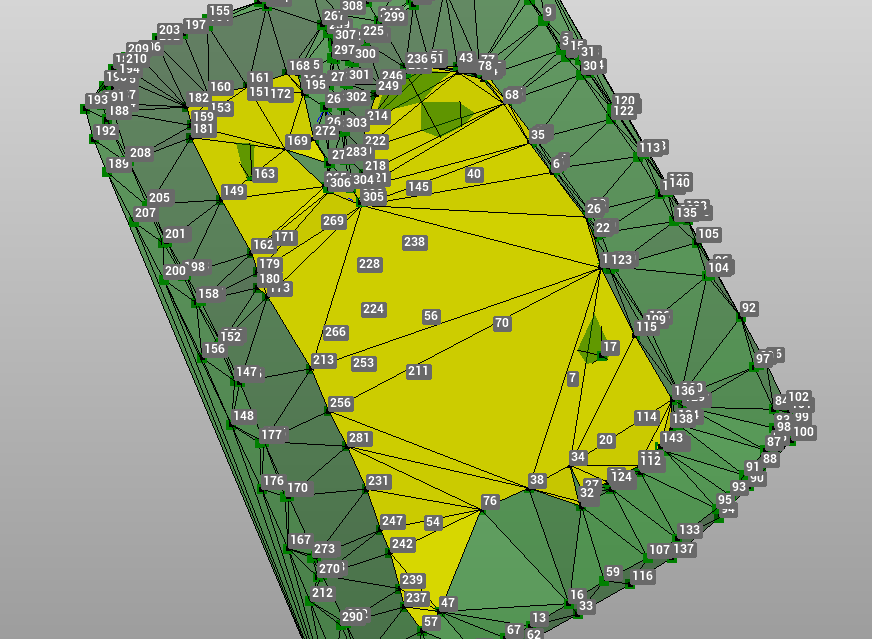
The utility Triangles decimation processes triangles of the selected surface and identifies zones with similar slope. The zones are then re-triangulated to reduce the number of triangles.
-
Click Surface.
-
Click Tools to open the menu.

-
Click Triangle decimation.
-
The command opens a new window.
-
It is possible to decimate the triangles in different modes.
-
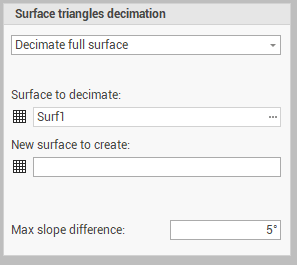
Select Decimate full surface to decimate triangles of a selected surface subproject:
-
Surface to decimate: select the surface to process.
-
New surface to create: the name of the resulting surface.
-
Max slope difference: the maximum slope difference between triangles to consider for the decimation.
-
-
Click Decimate to start the processing.
-
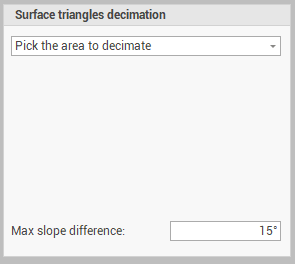
Select Pick the area to decimate to decimate a selected area:
-
Max slope difference: the maximum slope difference between triangles to consider for the decimation.
-
-
Click Pick area to select on CAD the starting triangle for the decimation.
-
The software shows in yellow the triangles that will be decimated. Select Yes or No to accept the new triangulation.