
This utility removes a raster image previously applied to a surface.
-
Click Surface.
-
Click Tools to open the menu.

-
Click Delete raster map from surface.
-
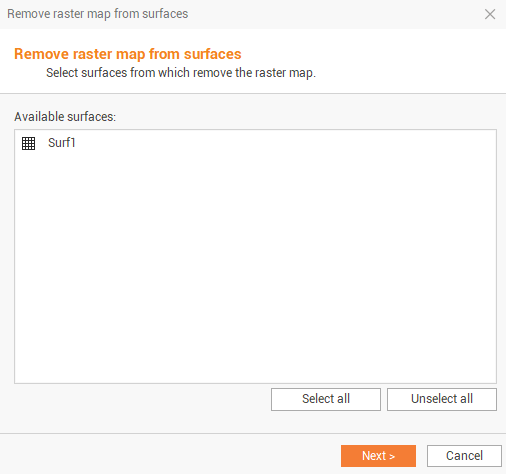
The command opens a new window.
-
Select the surface and click Next to remove the raster map applied to the surface.