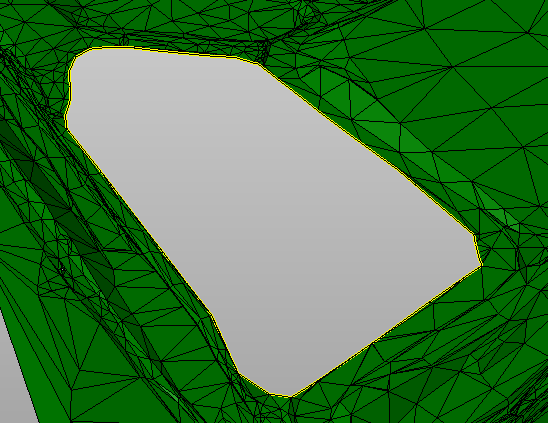
-
The tool Delete area deletes the part of the surface that is internal to a selected polyline.
-
Click Design 3D.
-
Click Delete area.

-
The function opens a panel on the right.
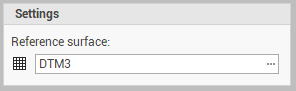
-
Reference surface: the reference surface from where delete the area.
-
-
Select the polyline.
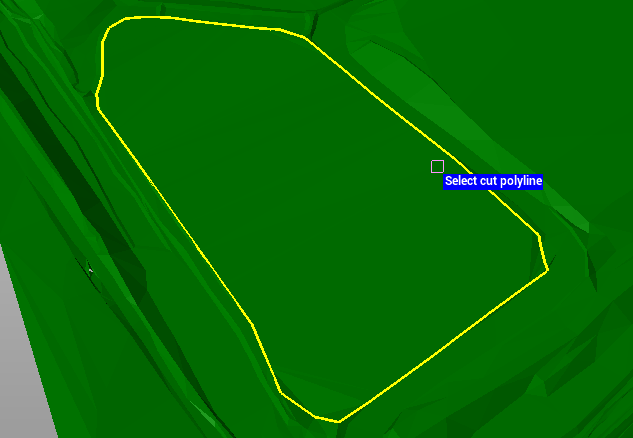
-
Specify if the delete area is internal or external.
-
Confirm to delete the area.